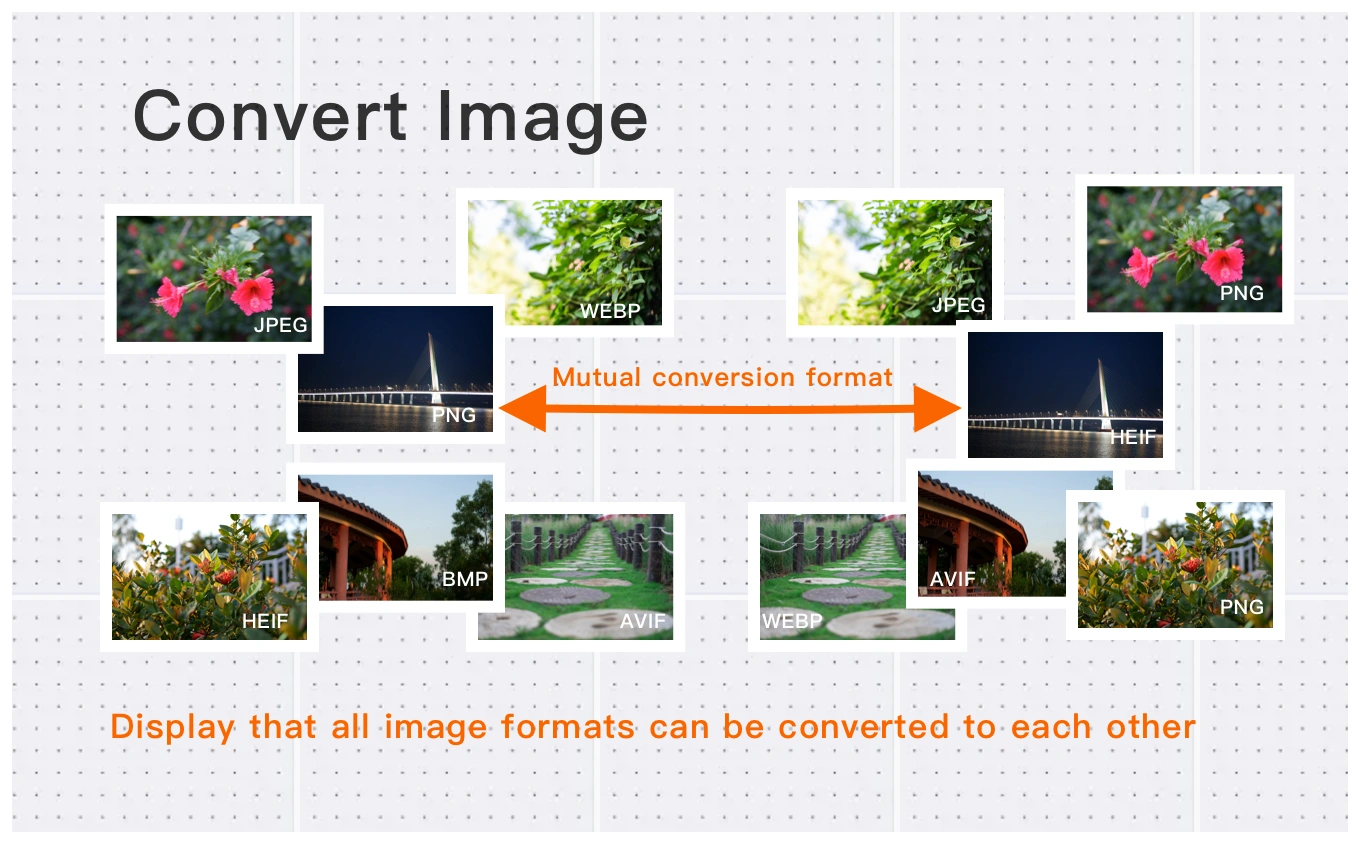
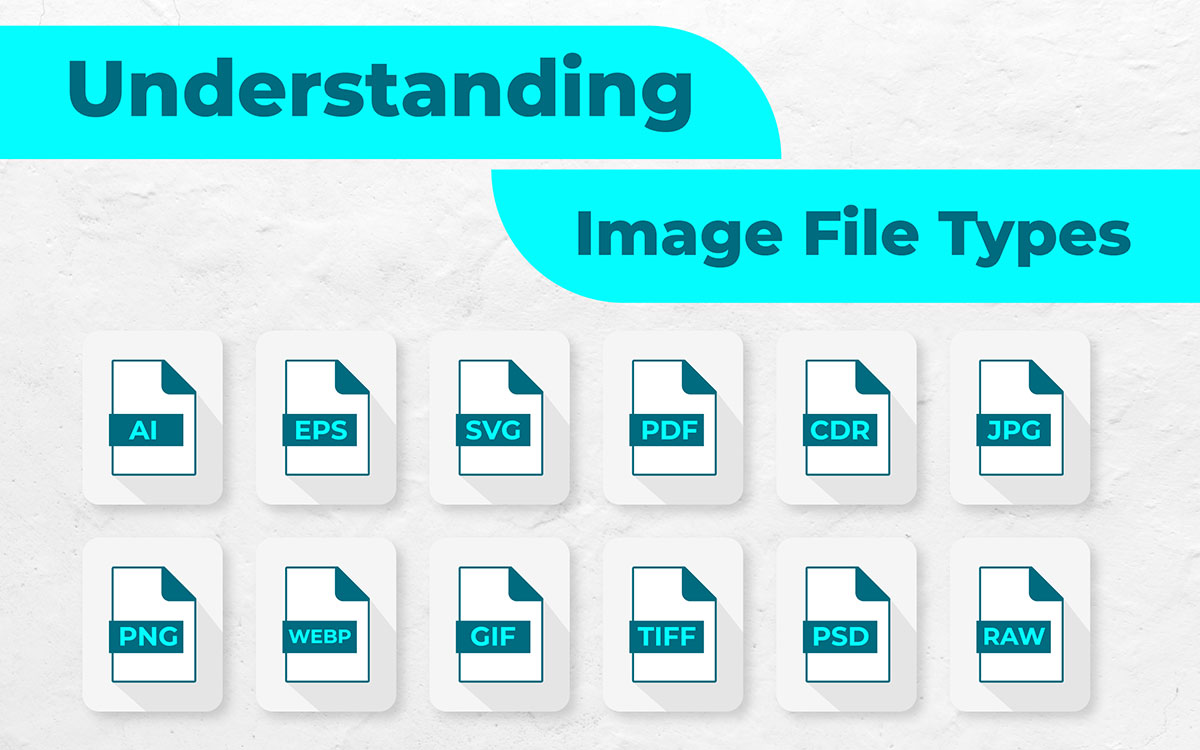
Images are a core part of the modern web. Websites, social media platforms, online stores, blogs, and translation projects all rely on visual content. However, working with images often requires converting them into different formats such as JPG, PNG, WEBP, SVG, or TIFF.
This is where image converters become essential tools.
In 2026, online image converters are more powerful than ever. They allow users to transform images between formats, optimize files for the web, and prepare graphics for professional workflows.
In this article we will explore:
-
What an image converter is
-
Why image conversion is important in modern workflows
-
The most common image formats used today
-
Typical problems when converting images
-
Why the Image Converter on linigu.cloud is one of the best tools available in 2026
What Is an Image Converter?

4
An image converter is a tool that transforms image files from one format into another.
For example:
-
JPG → PNG
-
PNG → WEBP
-
SVG → PNG
-
TIFF → JPG
Image converters are widely used because different formats serve different purposes.
Some formats are optimized for:
-
web performance
-
print quality
-
transparency
-
vector graphics
-
high compression
Modern converters can process multiple formats including:
-
JPG / JPEG
-
PNG
-
WEBP
-
GIF
-
BMP
-
TIFF
-
SVG
Many image conversion tools allow users to adjust image quality, compression levels, and resolution during the conversion process.
Why Image Conversion Is Important in 2026
The importance of image conversion continues to grow as the internet evolves.
1. Website Speed
Modern websites must load quickly. Large image files can slow down pages dramatically.
Converting images into optimized formats like WEBP or compressed JPG can significantly reduce loading times.
2. Compatibility Across Platforms
Different systems support different formats.
For example:
-
Some design tools prefer PNG
-
Web developers often use WEBP
-
Print workflows use TIFF
Image converters allow users to adapt images for any platform.
3. File Size Optimization
Some image formats provide much better compression than others.
New formats like AVIF can provide higher image quality while using smaller file sizes compared to traditional JPEG images.
4. Professional Workflows
Professionals such as:
-
designers
-
marketers
-
translators
-
software developers
often need to convert images to match project requirements.
For example:
-
converting screenshots to PNG
-
exporting graphics for websites
-
preparing images for documentation
Common Image Formats Explained
Understanding image formats helps users choose the right conversion.
JPG / JPEG
JPG is one of the most widely used image formats. It provides strong compression and is ideal for photographs.
However, JPG does not support transparency.
PNG
PNG supports transparency and lossless compression.
It is commonly used for:
-
logos
-
icons
-
web graphics
WEBP
WEBP is designed specifically for the web and often produces smaller files while maintaining high quality.
Many websites use WEBP images to improve loading speed.
SVG
SVG files are vector graphics, meaning they can be resized without losing quality.
SVG is widely used for logos and scalable graphics on websites.
TIFF
TIFF files are used in professional printing and photography because they preserve extremely high image quality.
However, they often produce large file sizes.
Challenges When Converting Images

Although image conversion sounds simple, several challenges can occur.
Loss of Image Quality
Some formats use lossy compression, meaning information is permanently removed.
This can create:
-
blurry images
-
compression artifacts
-
color distortion
Transparency Problems
If a PNG image with transparency is converted to JPG, the transparent background may become white or black.
Metadata Loss
Images often contain metadata such as:
-
camera information
-
location data
-
editing history
Some converters remove this information during processing.
Large Batch Conversions
Converting many images manually can take a lot of time.
This is why modern converters include batch conversion features.
Best Image Converter for 2026
In 2026, users expect image converters to be:
-
fast
-
secure
-
easy to use
-
browser-based
-
compatible with modern formats
One of the best tools available today is the Image Converter on linigu.cloud.
👉 https://linigu.cloud/en/converter/image-converter/
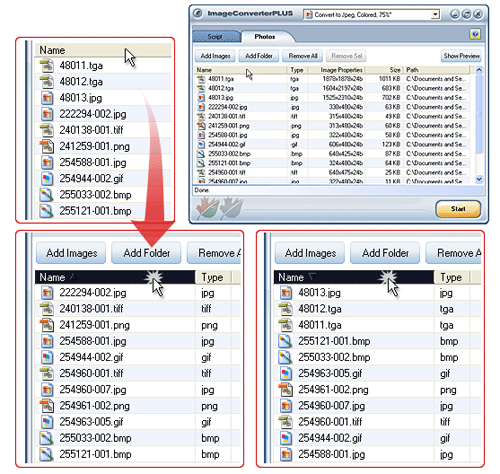
This tool provides a simple interface for converting image files directly in the browser.
Users can quickly upload images, select a new format, and download the converted file.
Unlike many complicated desktop tools, web-based converters allow users to work instantly without installing additional software.
Why the Linigu Image Converter Stands Out
Several factors make the linigu.cloud Image Converter a strong choice for 2026.
Fast Online Conversion
The tool allows users to convert images quickly without complex configuration.
Accessible Anywhere
Because it is web-based, the converter works on:
-
Windows
-
Mac
-
Linux
-
mobile devices
Simple Interface
The interface focuses on usability and simplicity.
Users can convert files without navigating complicated settings.
Part of a Larger Conversion Platform
The linigu.cloud platform also offers additional converters for translators and localization professionals, including tools for working with SDL Trados files, PDF files, and other document formats.
This makes it particularly useful for professionals who work with multilingual content.
Image Conversion and AI Technologies
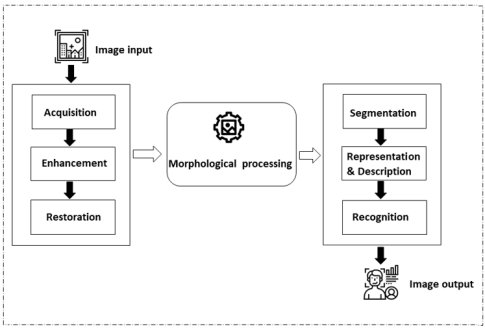
Image processing technology is evolving rapidly.
Artificial intelligence now plays a role in:
-
image upscaling
-
noise reduction
-
OCR (text extraction from images)
-
automatic format optimization
OCR tools can even convert text embedded inside images into editable text documents.
These technologies are transforming the way professionals manage image content.
Best Practices When Converting Images

To achieve the best results when converting images, users should follow several best practices.
Choose the Correct Format
Select the format that best matches your use case.
Example:
-
JPG for photos
-
PNG for transparent graphics
-
WEBP for websites
Check Image Resolution
If an image will be printed, high resolution is necessary.
For web use, lower resolution may be sufficient.
Keep Original Files
Always store the original file before converting it.
This allows you to redo the conversion if needed.
Conclusion
Image converters have become essential tools for modern digital workflows. As websites, applications, and online platforms continue to rely heavily on visual content, the need to convert images between formats will only increase.
Different formats serve different purposes, and choosing the right one can significantly improve performance, compatibility, and image quality.
Tools like the Image Converter on linigu.cloud provide a fast and simple way to transform image files for websites, documents, and creative projects.
With its browser-based workflow and easy interface, it stands out as one of the best image converters for 2026.