Introduction: Understanding SDLXLIFF Files in Modern Translation
If you work with professional translation tools, you have probably encountered SDLXLIFF files. These files are commonly used in SDL Trados Studio, one of the most popular computer-assisted translation (CAT) tools in the localization industry.
For translators, project managers, reviewers, and even clients, SDLXLIFF files can sometimes feel confusing—especially when you need to open them without Trados or convert them into a more familiar format like DOCX or Excel. In this article, we will explain what SDLXLIFF files are, how they work, how to open them, and how you can convert them for easier collaboration.
What Is an SDLXLIFF File?
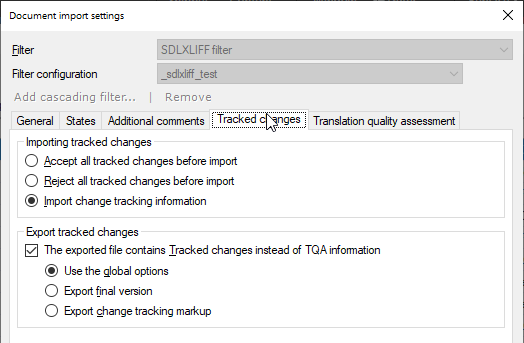
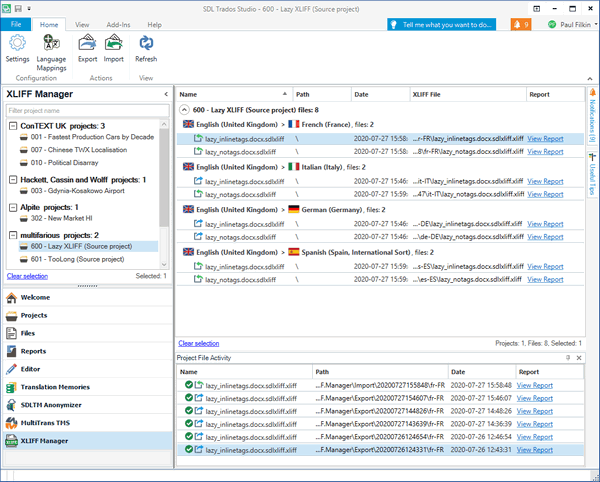

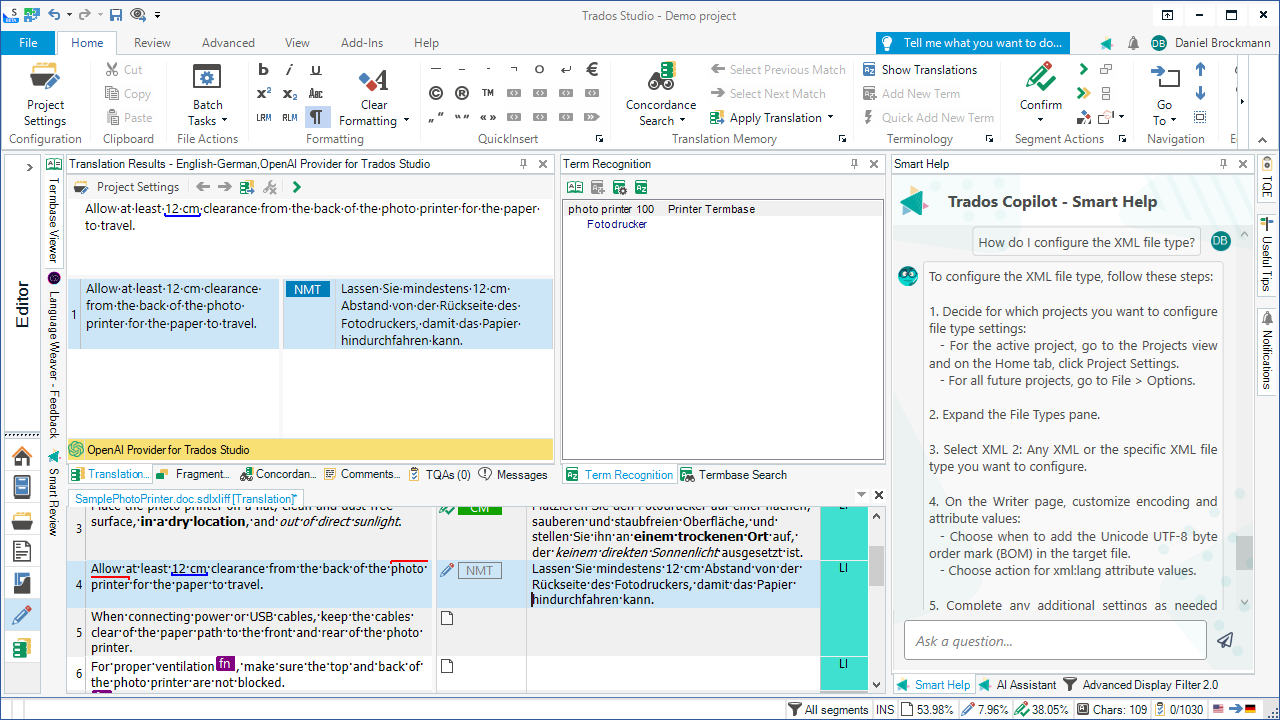
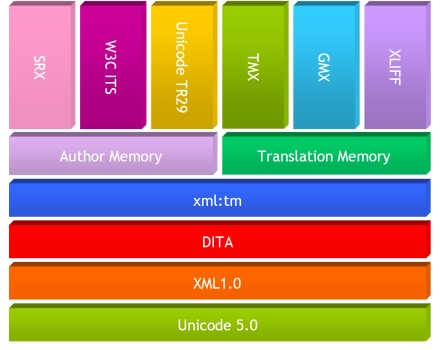
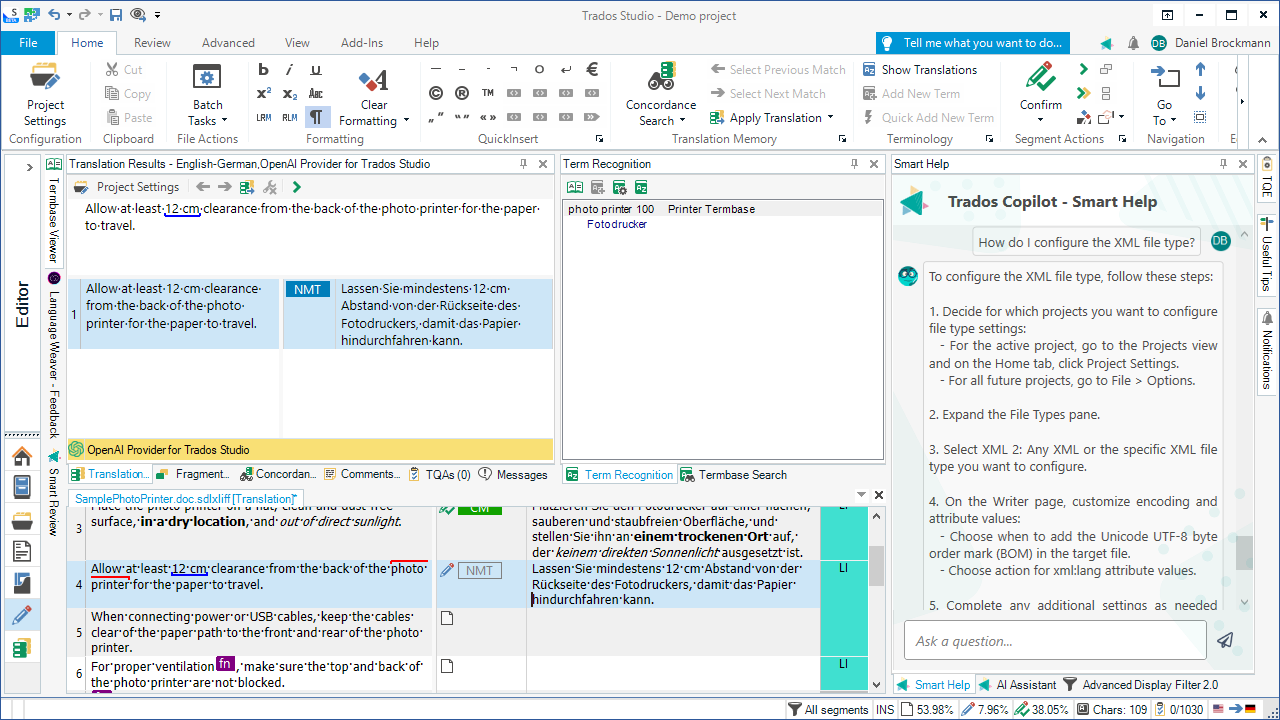
An SDLXLIFF file is a bilingual translation file format used by SDL Trados Studio. It is based on the industry-standard XLIFF (XML Localization Interchange File Format), with additional proprietary metadata added by SDL.
Unlike standard documents, an SDLXLIFF file contains:
-
Source text
-
Target (translated) text
-
Segment status (translated, confirmed, draft, etc.)
-
Tags and formatting data
-
Translation memory references
-
Comments and review markers
This makes SDLXLIFF files extremely powerful for professional translation workflows—but also unsuitable for direct editing in tools like Microsoft Word.
Why SDLXLIFF Files Are Not Regular Documents


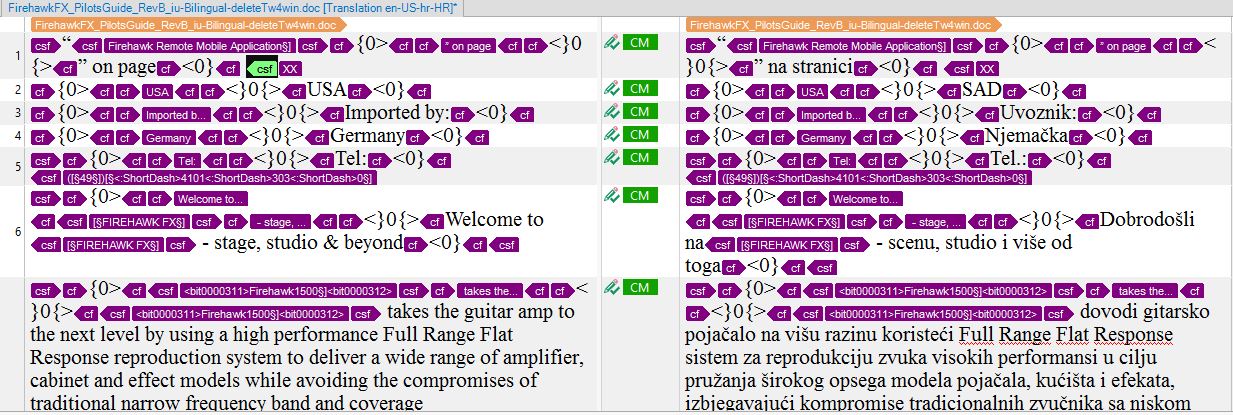
A common misunderstanding is assuming that SDLXLIFF files are simple text documents. In reality, they are structured XML files designed to preserve linguistic and technical data.
Key reasons they cannot be opened normally:
-
They rely on segmentation logic
-
They contain inline tags that must not be broken
-
They store translation memory metadata
-
They track translation status at segment level
Opening an SDLXLIFF file in Word or Excel directly may result in unreadable code—or worse, broken translation data.
How to Open SDLXLIFF Files Properly
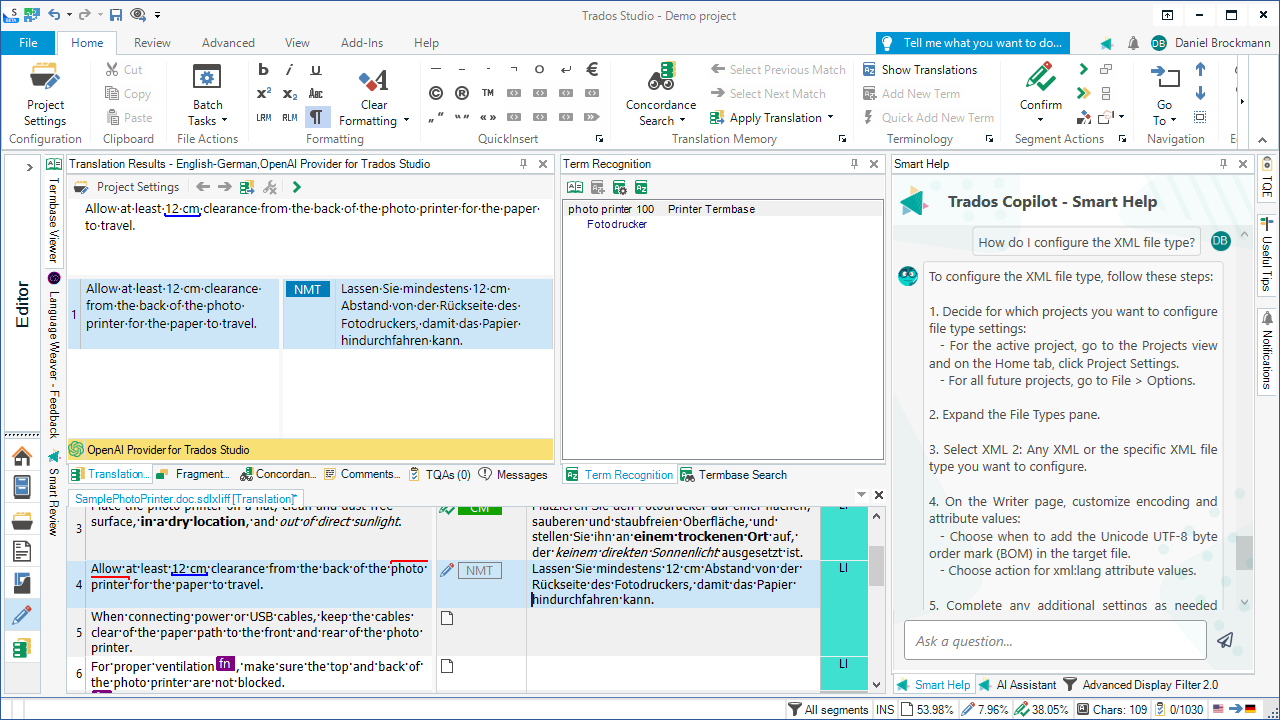
1. Using SDL Trados Studio (Recommended)
The safest and most professional way to open an SDLXLIFF file is with SDL Trados Studio itself.
Steps:
-
Open SDL Trados Studio
-
Go to File → Open
-
Select the SDLXLIFF file
-
Edit or review the translation
This method preserves all tags, segmentation, and translation memory connections.
2. Opening Without SDL Trados
Not everyone has access to SDL Trados Studio. Clients, reviewers, or editors often need a simpler format.
In these cases, converting the SDLXLIFF file into DOCX or Excel is the best solution.
👉 On linigu.com, we support SDLXLIFF to DOCX and SDLXLIFF to Excel conversions, making these files accessible for non-Trados users while preserving bilingual content.
How SDLXLIFF Conversion Works
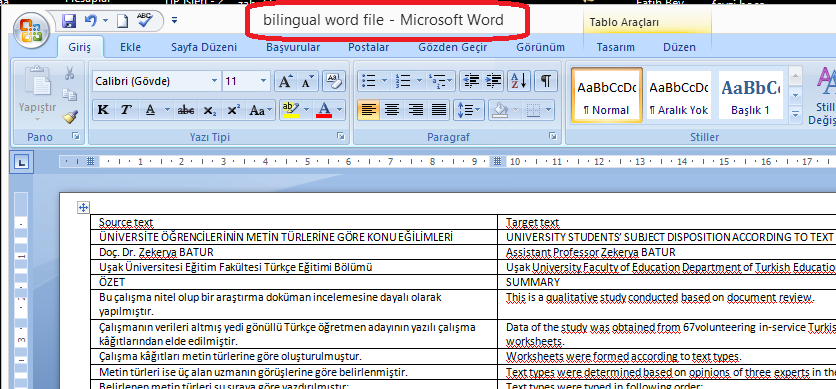

When an SDLXLIFF file is converted properly, the structure is transformed into a readable bilingual format:
DOCX output usually contains:
-
Source text
-
Target translation
-
Clear segment separation
-
Optional comments
Excel output usually contains:
-
Source segment column
-
Target segment column
-
Status or notes column
On linigu.com, these conversions are designed for:
-
Proofreading
-
Linguistic review
-
Client approval
-
Terminology checks
Importantly, converted files are meant for editing and review, not for direct re-import into Trados unless specifically reconverted.
Common Use Cases for SDLXLIFF Files
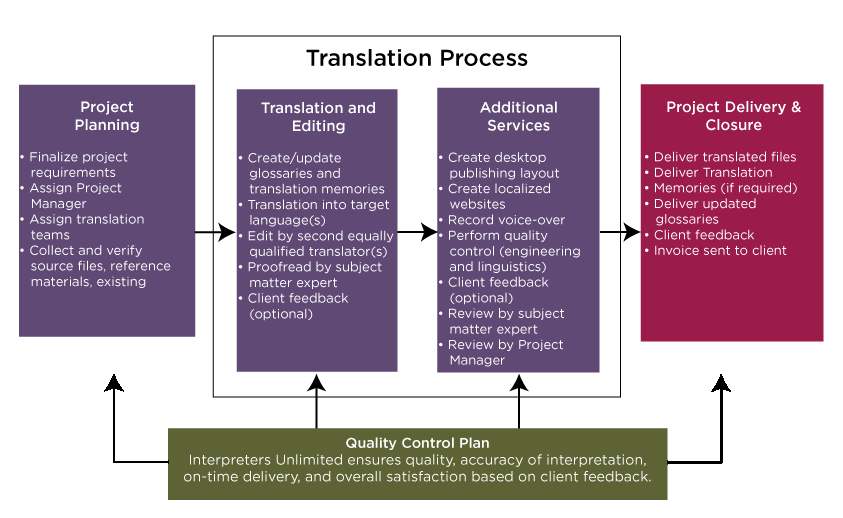
SDLXLIFF files are widely used in professional translation workflows:
-
Freelance translators delivering bilingual files
-
Project managers tracking translation progress
-
Reviewers performing linguistic QA
-
Agencies exchanging translation assets
However, problems arise when:
-
Clients request Word files
-
Reviewers don’t use CAT tools
-
Stakeholders want Excel-based review
This is exactly where SDLXLIFF conversion services, such as those offered on linigu.com, become essential.
Risks of Editing SDLXLIFF Files Incorrectly


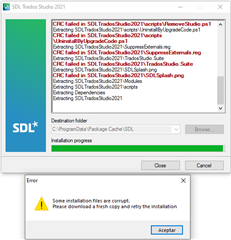
Editing an SDLXLIFF file incorrectly can cause serious issues:
-
Broken XML structure
-
Lost tags
-
Invalid segmentation
-
Import errors in Trados
Never:
-
Edit SDLXLIFF files in plain text editors
-
Modify tags manually
-
Copy/paste segments randomly
Instead, always use:
-
SDL Trados Studio
-
Trusted conversion tools like linigu.com
SDLXLIFF vs XLIFF: What’s the Difference?
Although SDLXLIFF is based on XLIFF, there are key differences:
| Feature | XLIFF | SDLXLIFF |
|---|---|---|
| Standard format | ✔ | ✖ |
| SDL metadata | ✖ | ✔ |
| Trados compatibility | Partial | Full |
| Editable outside Trados | Limited | No |
SDLXLIFF files are optimized specifically for SDL Trados workflows.
Best Practices for Working with SDLXLIFF Files
To avoid errors and data loss:
-
Always keep a backup of the original SDLXLIFF
-
Use Trados for translation and QA
-
Convert files for review instead of sharing raw SDLXLIFF
-
Use reliable tools like linigu.com for DOCX or Excel output
-
Re-import translations only after proper validation
Conclusion: Making SDLXLIFF Files Easy to Work With
SDLXLIFF files are a powerful backbone of professional translation workflows, but they are not always convenient for everyone involved in a project. Understanding what they are—and how to open or convert them properly—can save time, prevent errors, and improve collaboration.
Whether you are a translator, project manager, reviewer, or client, converting SDLXLIFF files into DOCX or Excel formats via linigu.com allows you to work comfortably without compromising translation quality.
If you frequently deal with SDL Trados files, mastering SDLXLIFF is not optional—it’s essential.