PDF Conversion for Translators: Why PDF Files Are Hard to Convert and How to Work with Them
 PDF files are everywhere. From technical manuals and legal contracts to marketing brochures and software documentation, translators regularly receive projects in PDF format. However, anyone who has worked with PDFs knows that converting them into editable, translation-friendly content can be surprisingly difficult.
Translators often encounter problems such as broken formatting, missing text, incorrectly segmented sentences, or completely unreadable content after conversion. These challenges make PDF one of the most frustrating formats in localization workflows.
In this article, we explore:
-
What a PDF file actually is
-
Why converting PDFs to editable text is difficult
-
How SDL Trados Studio converts PDFs into SDLXLIFF files
-
Typical problems translators face during PDF conversion
-
How the PDF Converter on linigu.cloud can simplify this process
What Is a PDF File?

The Portable Document Format (PDF) was developed by Adobe in the 1990s to preserve document formatting across different systems. Unlike Word or HTML files, PDFs are designed primarily for visual presentation, not editing.
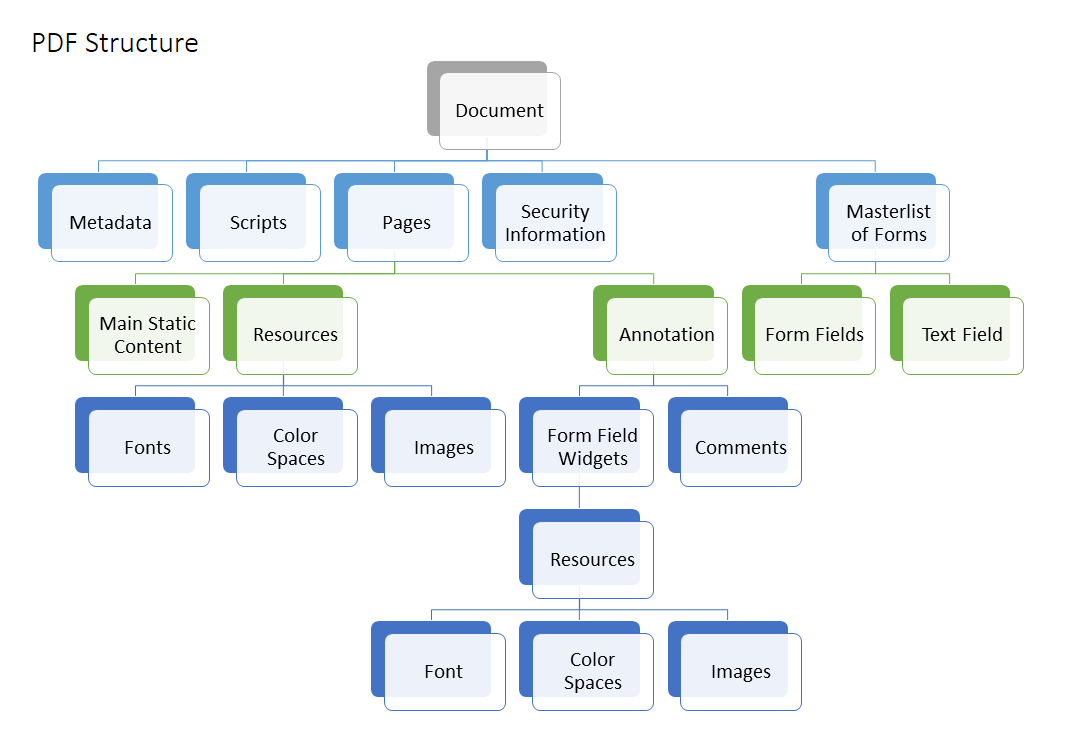
A PDF file stores information such as:
-
Text elements
-
Fonts and glyphs
-
Vector graphics
-
Images
-
Layout coordinates
-
Embedded metadata
The key point is that PDF files are page-based visual documents, not structured text documents.
In other words, a PDF tells the computer how the page should look, not necessarily what the logical text structure is.
This is why converting a PDF into editable text is so challenging.
Why PDF Conversion Is So Difficult

4
When translators attempt to convert PDFs into editable formats such as Word, several problems often appear.
1. Missing Logical Structure
Unlike Word documents, PDFs do not always contain clear information about paragraphs, headings, or reading order.
For example, the text:
Paragraph line 1
Paragraph line 2
Paragraph line 3
might be stored internally as separate positioned text blocks, making it difficult to reconstruct the original paragraph.
2. Column Layout Problems
Many PDFs use multi-column layouts, especially in brochures, technical manuals, or academic papers.
Conversion tools must guess the correct reading order. The result can look like this:
Column 1 line 1
Column 2 line 1
Column 1 line 2
Column 2 line 2
This makes the text almost impossible to translate correctly without manual cleanup.
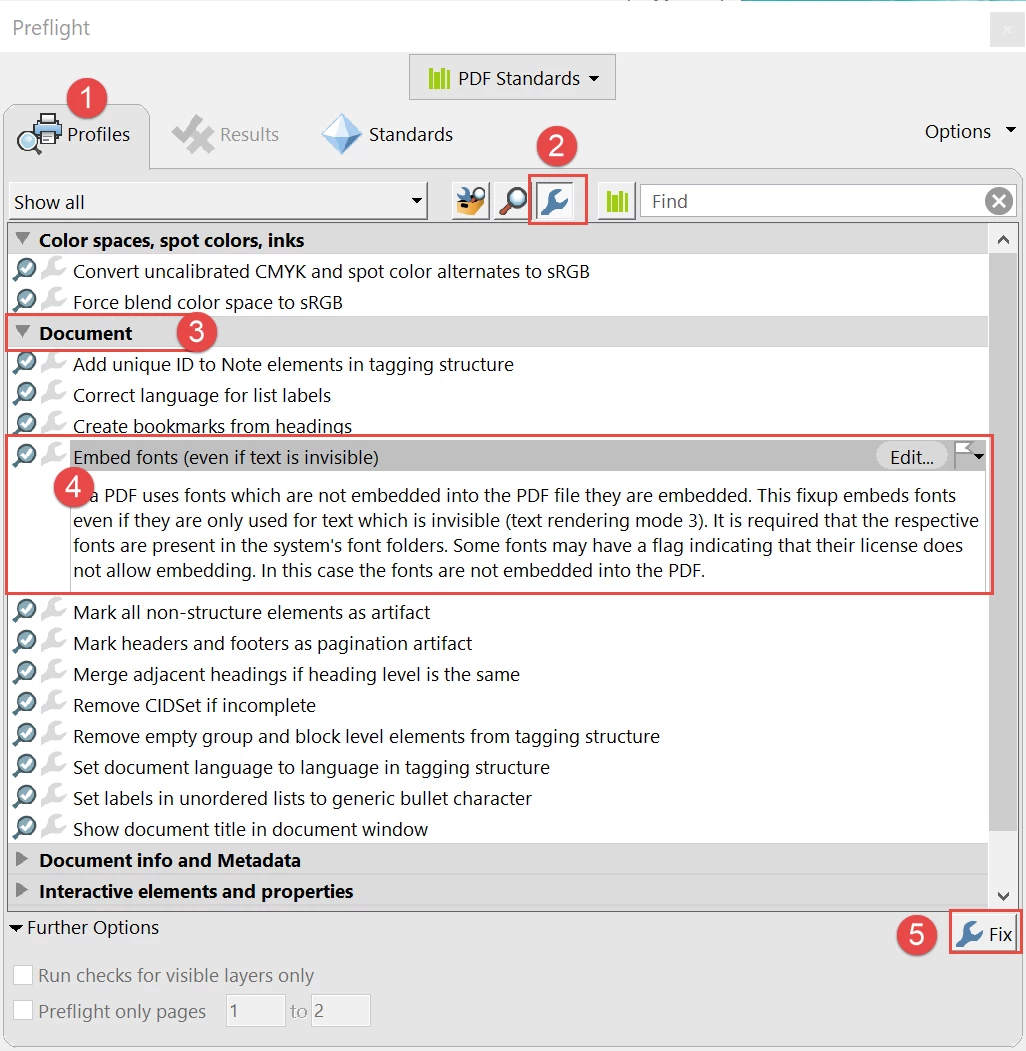
3. Embedded Fonts and Characters
Some PDFs use embedded fonts or custom glyphs, meaning the character shapes are stored as graphics rather than actual text.
During conversion, these characters may become:
-
incorrect letters
-
missing characters
-
strange symbols
4. Scanned PDFs
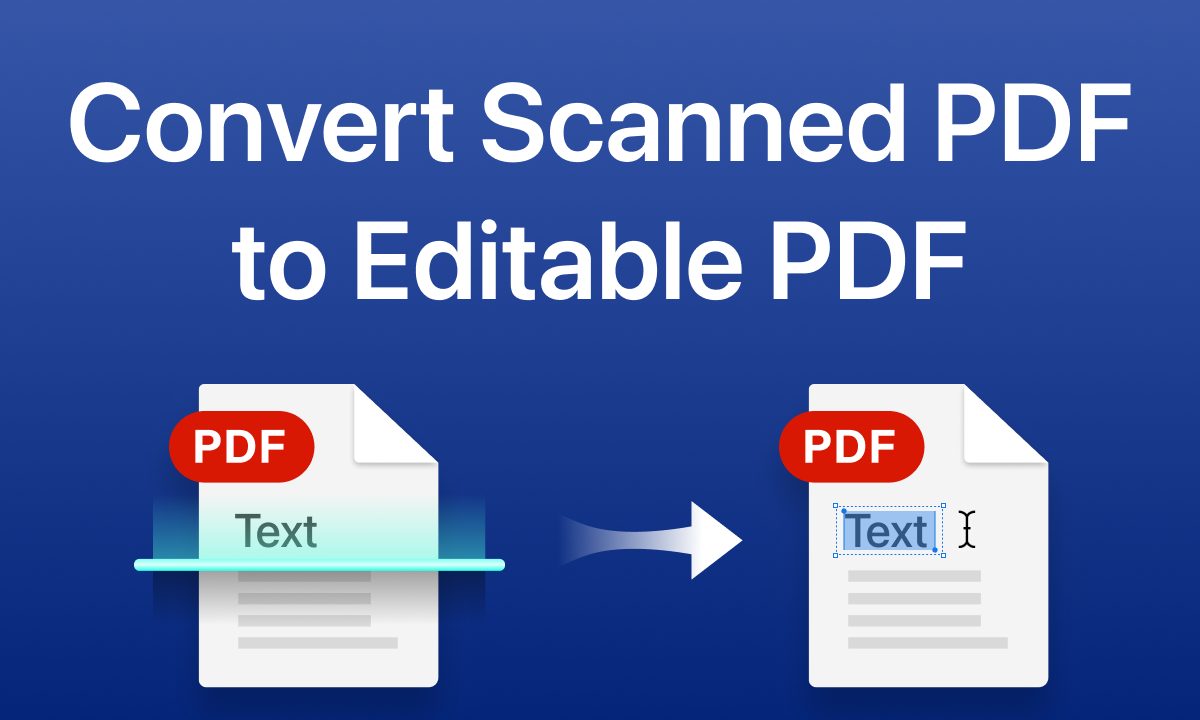
Many PDFs are simply scanned images of documents.
In these cases, the PDF contains no text at all, only images. To extract text, the system must use OCR (Optical Character Recognition), which introduces additional errors.
Why Translators Often Receive PDFs
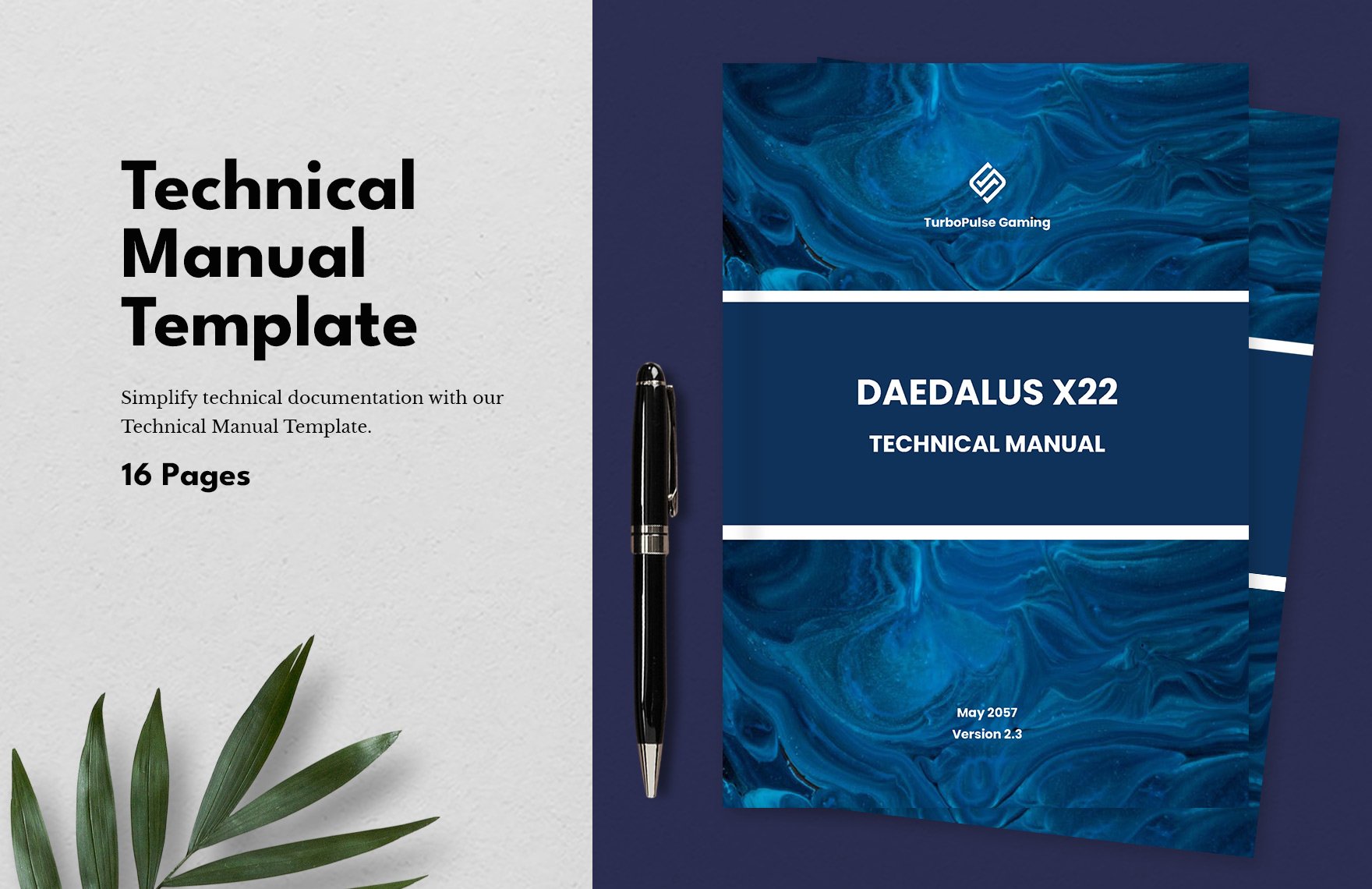
Despite these limitations, PDFs remain extremely common in translation projects.
Clients prefer PDFs because they:
-
preserve the original layout
-
prevent accidental editing
-
are easy to share and archive
-
look identical across devices
However, this convenience for the client often creates additional work for translators.
How SDL Trados Studio Converts PDF Files
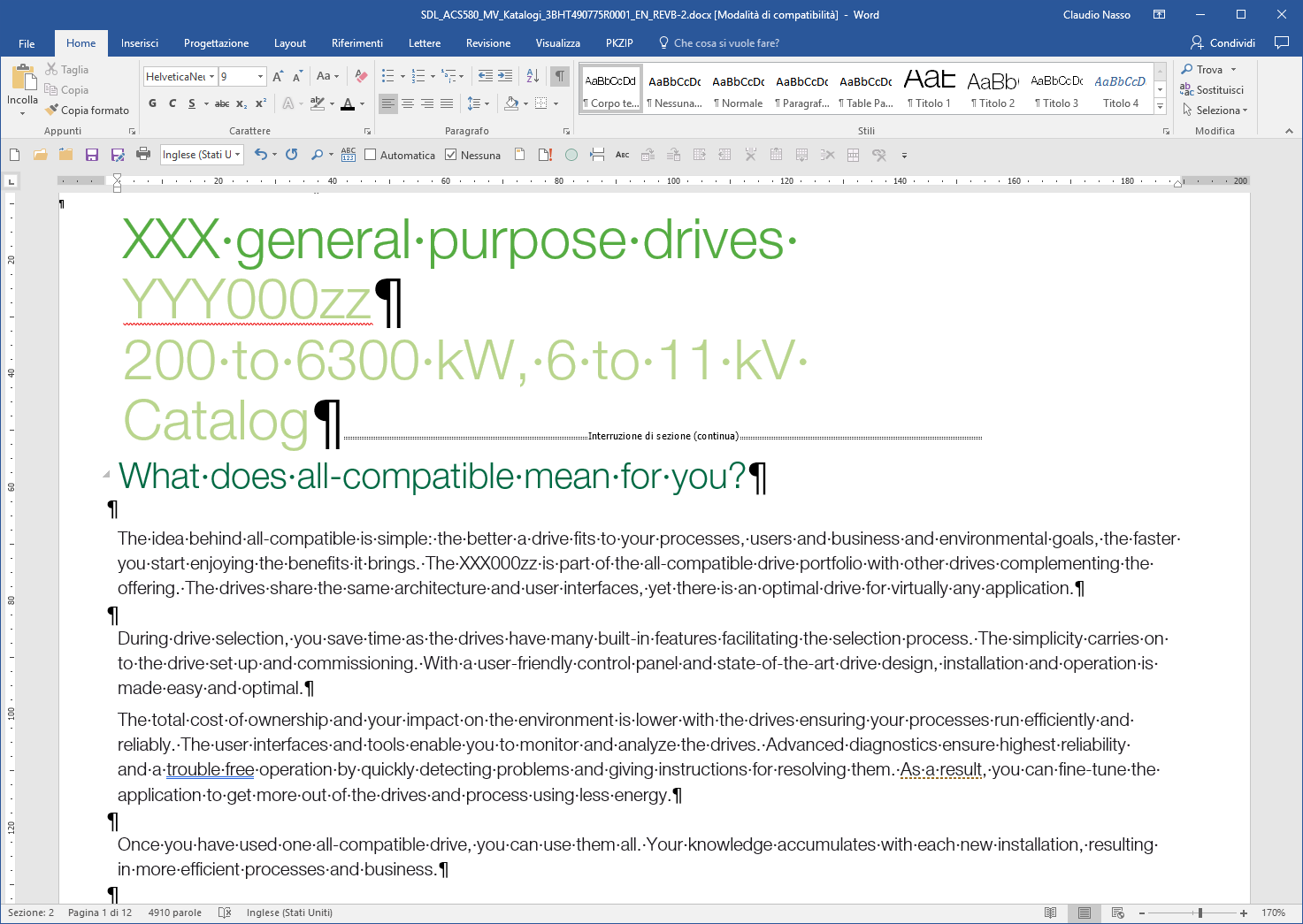
Professional CAT tools such as SDL Trados Studio include built-in mechanisms for processing PDFs.
The typical workflow looks like this:
-
Import the PDF into SDL Trados Studio
-
The system attempts to extract text from the document
-
The extracted content is converted into an SDLXLIFF file
-
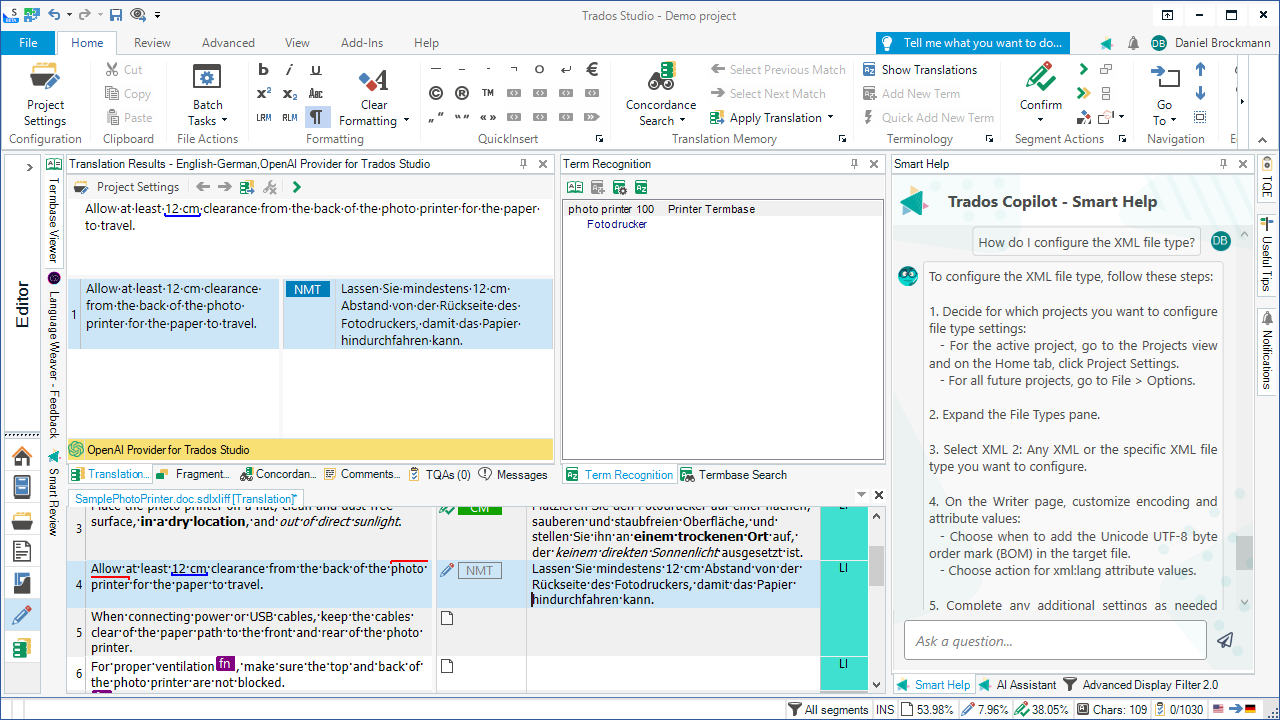
The translator works on the SDLXLIFF file inside the Trados editor
The SDLXLIFF format is a bilingual translation format containing:
-
source segments
-
target segments
-
tags and formatting metadata
This format allows translators to work efficiently within the CAT tool environment.
However, the quality of the SDLXLIFF file depends entirely on how well the original PDF could be parsed.
Typical Problems After PDF Import in SDL Trados
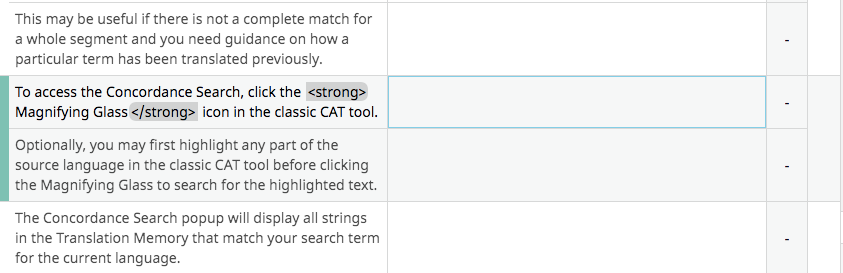

Even when using SDL Trados, translators may encounter several issues after importing PDFs.
Segmentation Errors
Sentences may be split incorrectly, creating awkward translation units.
Missing Text
Some text blocks may not be detected during conversion.
Formatting Tags
Complex layouts often produce numerous formatting tags, which can slow down translation.
Reordered Content
Paragraphs may appear in the wrong order, especially in multi-column documents.
These issues can significantly increase project preparation time.
Why Viewing Converted Files Outside CAT Tools Helps
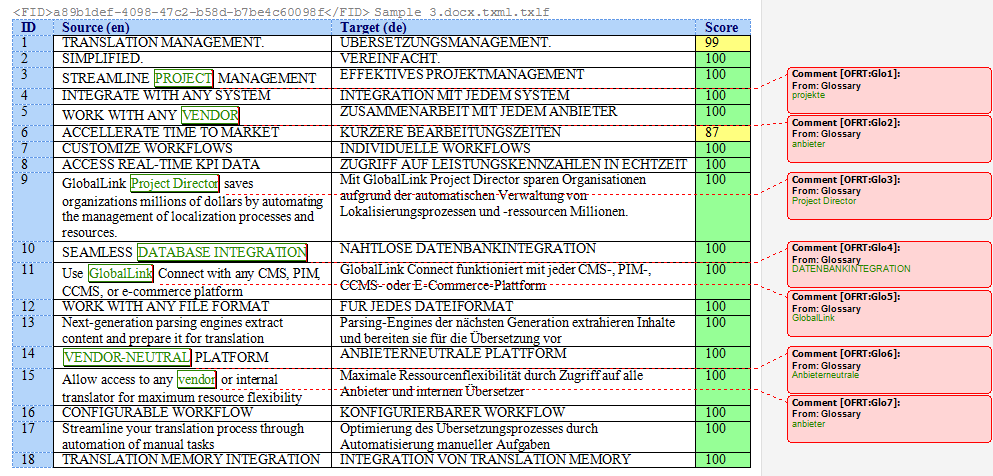
Translators often need to review the extracted content outside the CAT tool.
Working with files in Word or Excel allows translators to:
-
inspect the extracted text structure
-
check segmentation issues
-
analyze terminology usage
-
perform QA checks
-
share files with reviewers or clients
This is especially useful when working with large documents or complex layouts.
Converting PDF Files with the Linigu Converter
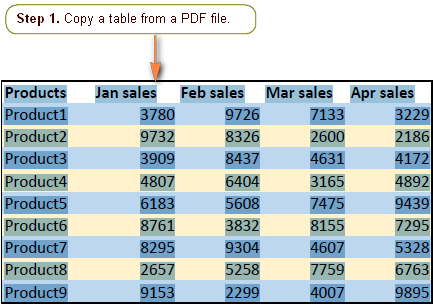
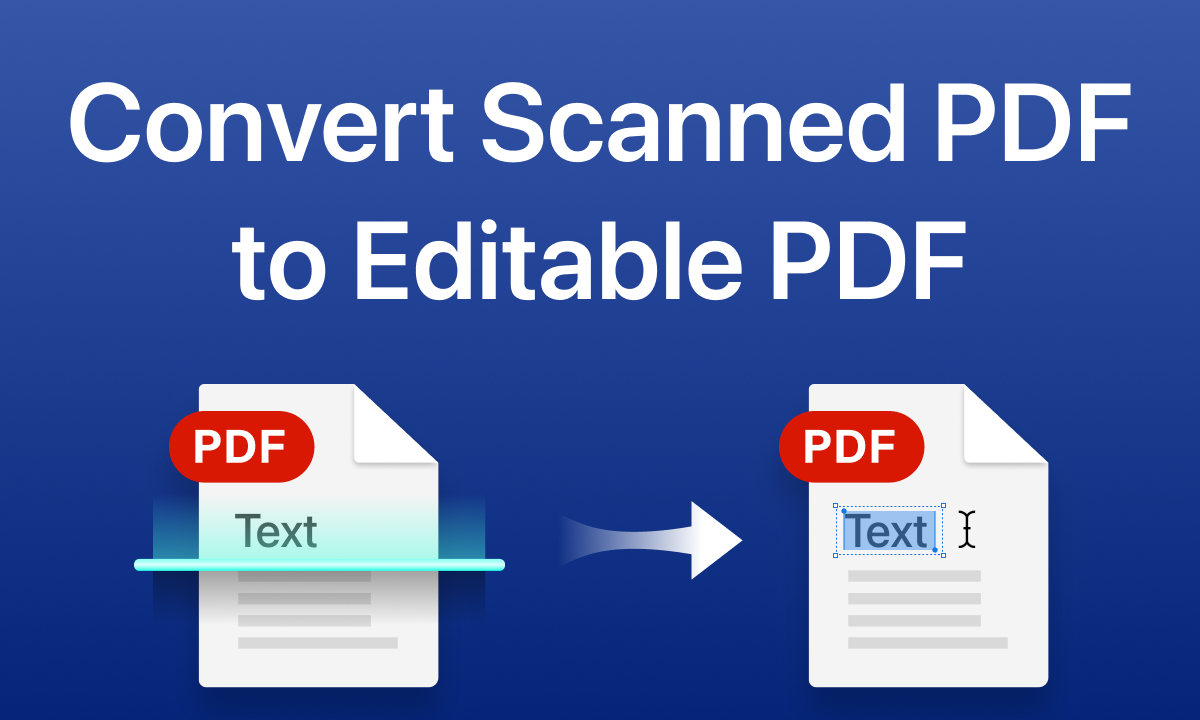
The PDF Converter on linigu.cloud helps translators simplify the process of working with PDF documents.
Instead of manually extracting text or struggling with formatting problems, the converter allows users to transform PDF content into clean, readable formats that are easier to analyze and process.
Using the converter, translators can:
-
convert PDF files into structured data
-
review text outside the original PDF environment
-
prepare documents for translation workflows
-
quickly inspect extracted content
This approach can significantly reduce preparation time before translation begins.
Best Practices for Translators Working with PDFs
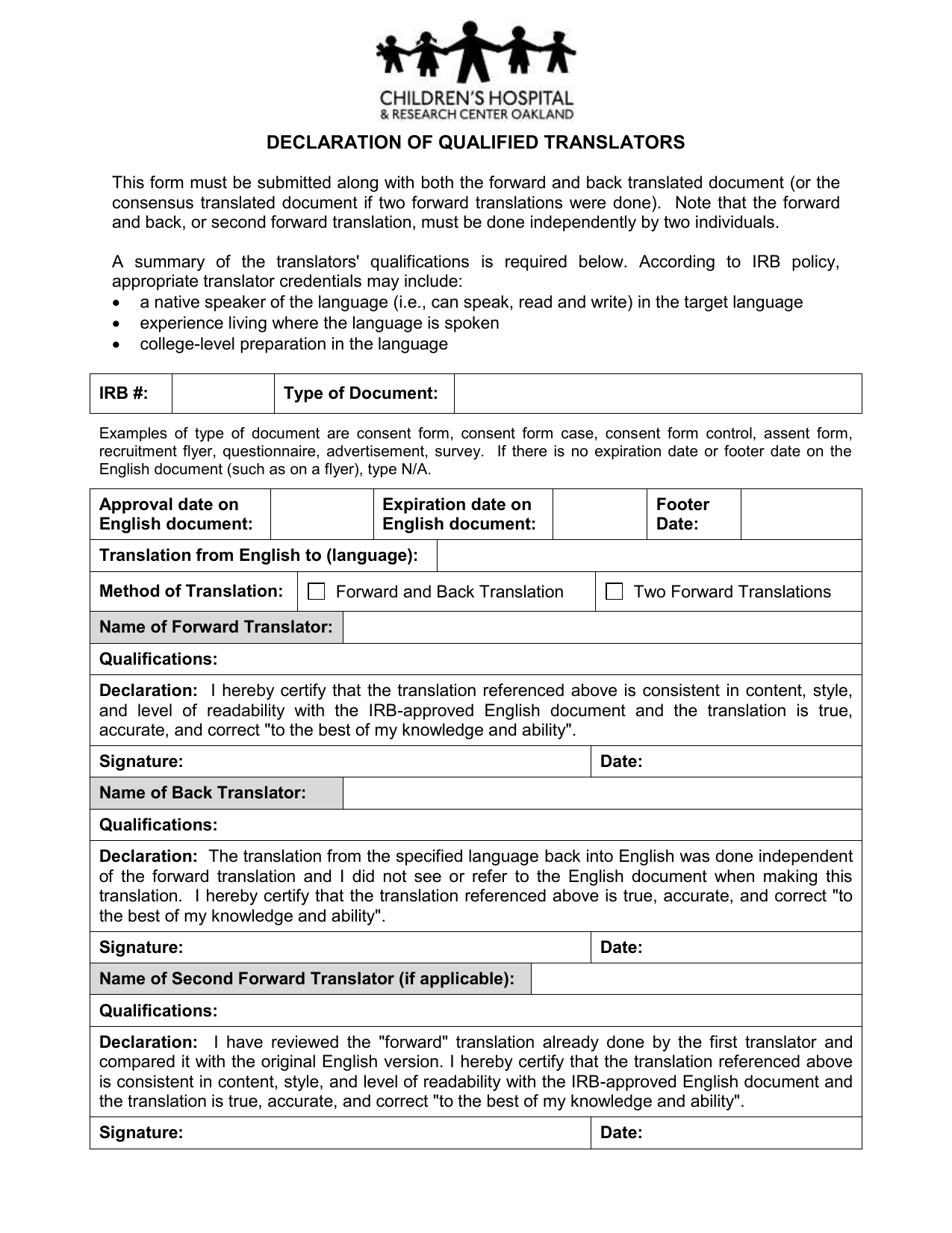
Professional translators often follow several strategies when dealing with PDFs.
Request the Source File
Whenever possible, ask clients for the original source file (Word, InDesign, etc.) instead of the PDF.
Check the Extraction First
Always review the extracted text before beginning translation.
Clean the Document
Remove formatting errors, unnecessary line breaks, and duplicated segments.
Use Conversion Tools
Tools like the linigu.cloud PDF Converter can streamline document preparation and reduce manual work.
The Future of PDF Conversion in Translation
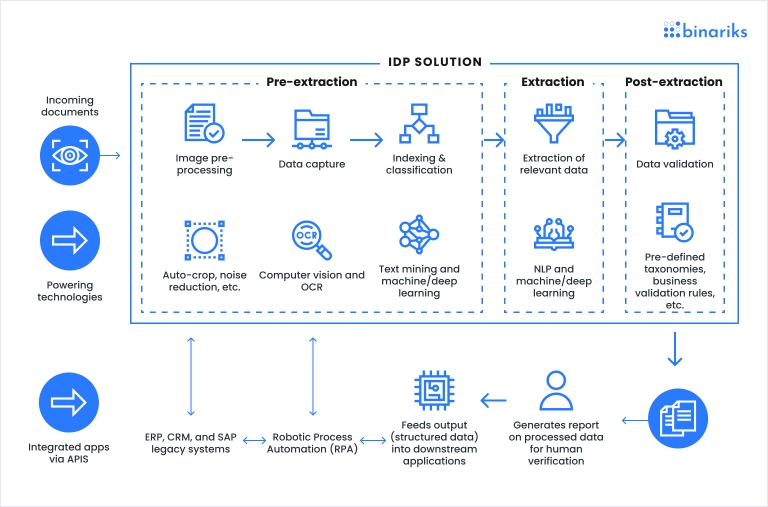
AI-based document recognition technologies are rapidly improving PDF conversion accuracy. Modern systems can detect:
-
text structure
-
table layouts
-
document hierarchy
-
reading order
As these technologies evolve, translators will increasingly rely on intelligent document conversion tools to prepare files before translation.
Efficient document preprocessing is becoming an essential part of professional translation workflows.
Conclusion
PDF files are one of the most common — and most challenging — formats translators encounter. Because PDFs are designed for visual presentation rather than editable structure, converting them into translation-ready content can produce errors, formatting problems, and segmentation issues.
Tools like SDL Trados Studio attempt to convert PDFs into SDLXLIFF files for translation, but the quality of the conversion depends heavily on the structure of the original document.
Using specialized tools such as the PDF Converter on linigu.cloud can help translators inspect and convert PDF files more efficiently, making it easier to prepare documents for translation workflows and quality assurance.
By understanding the limitations of PDF files and using the right tools, translators can reduce preparation time and focus on what matters most: producing high-quality translations.