
Technical translation between English and Portuguese looks straightforward at first glance. Both languages use the Latin alphabet, share a large amount of international technical vocabulary, and are widely supported by CAT tools such as SDL Trados Studio.
However, professional translators know that technical accuracy is not just about vocabulary. It is about structure, formatting, terminology control, tags, regional variation, and tool compatibility. This is exactly where many English–Portuguese and Portuguese–English projects begin to fail.
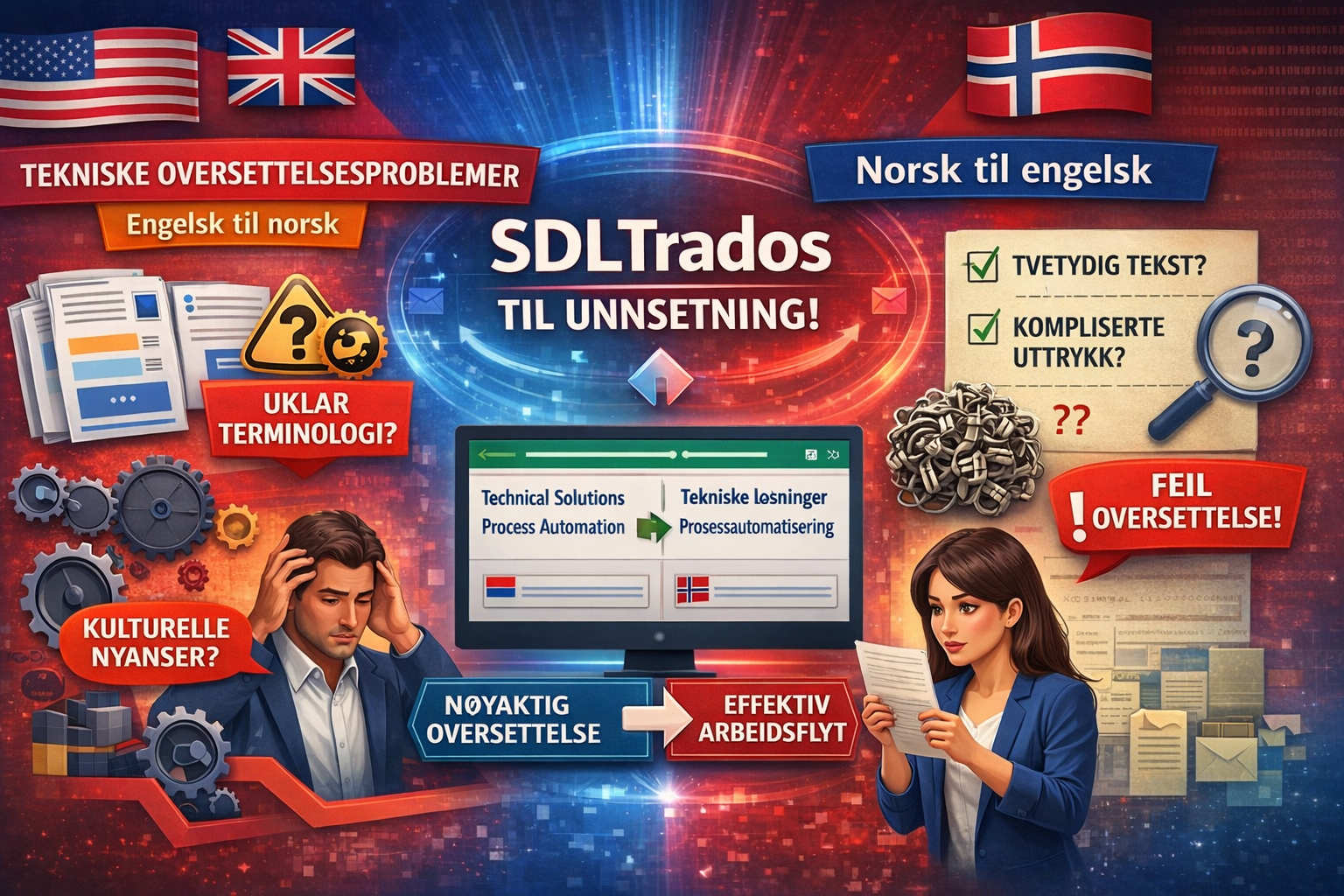
In this article, we will explore the most common technical translation problems, explain why they occur, and show how translators can solve them efficiently — especially when working with SDL Trados files and modern conversion workflows.
1. Structural Differences That Affect Technical Meaning

English technical writing is typically:
-
Short
-
Direct
-
Highly modular
-
Verb-driven
Portuguese technical writing, on the other hand:
-
Uses longer sentences
-
Relies more on nominal structures
-
Often prefers passive or impersonal forms
Example problem
English source:
“Install the driver before starting the application.”
European Portuguese target (incorrect literal translation):
“Instale o driver antes de iniciar a aplicação.”
Better technical Portuguese:
“O controlador deve ser instalado antes da inicialização da aplicação.”
A literal translation changes the instruction logic and may cause misunderstanding in regulated or safety-critical documentation.
➡️ Solution: Translators must restructure sentences, not just translate them.
2. Terminology Inconsistencies Between PT-BR and PT-PT


One of the most underestimated problems is the difference between Brazilian Portuguese (PT-BR) and European Portuguese (PT-PT).
| English | PT-BR | PT-PT |
|---|---|---|
| File | Arquivo | Ficheiro |
| Driver | Driver | Controlador |
| Cell phone | Celular | Telemóvel |
Using the wrong variant:
-
Breaks user expectations
-
Reduces trust
-
Can invalidate localization QA
➡️ Solution:
Always define the target locale explicitly and control terminology using Trados termbases — or verify terms manually when extracting content.
3. False Friends in Technical Contexts

Examples:
-
“Actual” → Atual ❌ (correct: Real)
-
“Pretend” → Pretender ❌ (correct: Fingir)
-
“Support” → Suportar ❌ (often should be Apoiar or Assistência)
In user manuals or UI strings, these errors can:
-
Confuse users
-
Break usability
-
Cause support tickets
➡️ Solution: Context verification outside CAT preview is critical.
4. Tag and Formatting Problems in SDL Trados Files
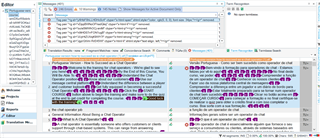
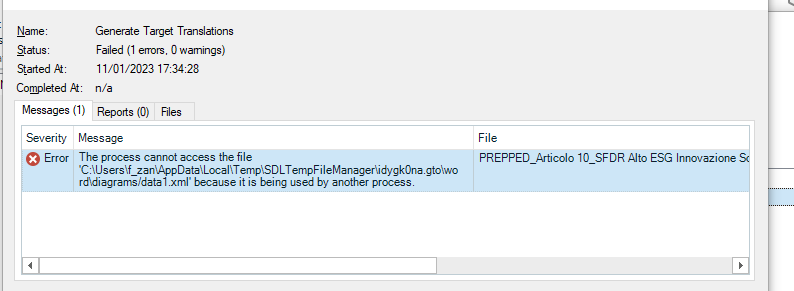
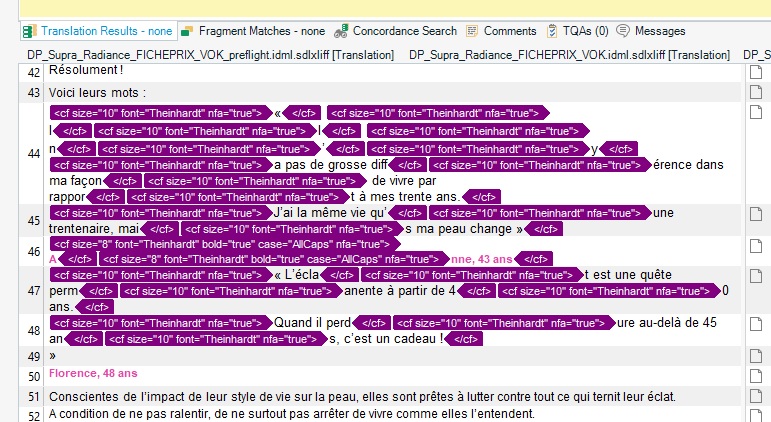
Technical files (SDLXLIFF, SDLTM, SRT, XML) often contain:
-
Inline tags
-
Placeholders
-
Variables
-
Code fragments
Portuguese tends to reorder sentence elements, which increases the risk of:
-
Broken tags
-
Invalid files
-
Export errors
This is one of the most common reasons translators lose time.
5. Why Viewing SDL Trados Files as Word or Excel Matters

Many translators want to:
-
Quickly review content
-
Share files with clients or reviewers
-
Check terminology consistency
-
Audit structure and repetitions
But SDL Trados files are not human-friendly outside Trados.
This is where Linigu SDL Studio Converter comes in.
With the SDL Studio Converter on linigu.cloud, translators can:
-
Instantly convert SDLXLIFF, SDLTM, SDLTB files
-
View content as Word or Excel
-
Analyze terminology usage
-
Spot inconsistencies before delivery
➡️ This is especially useful when comparing English ↔ Portuguese structures side by side.
6. Excel-Based Terminology Validation for Portuguese
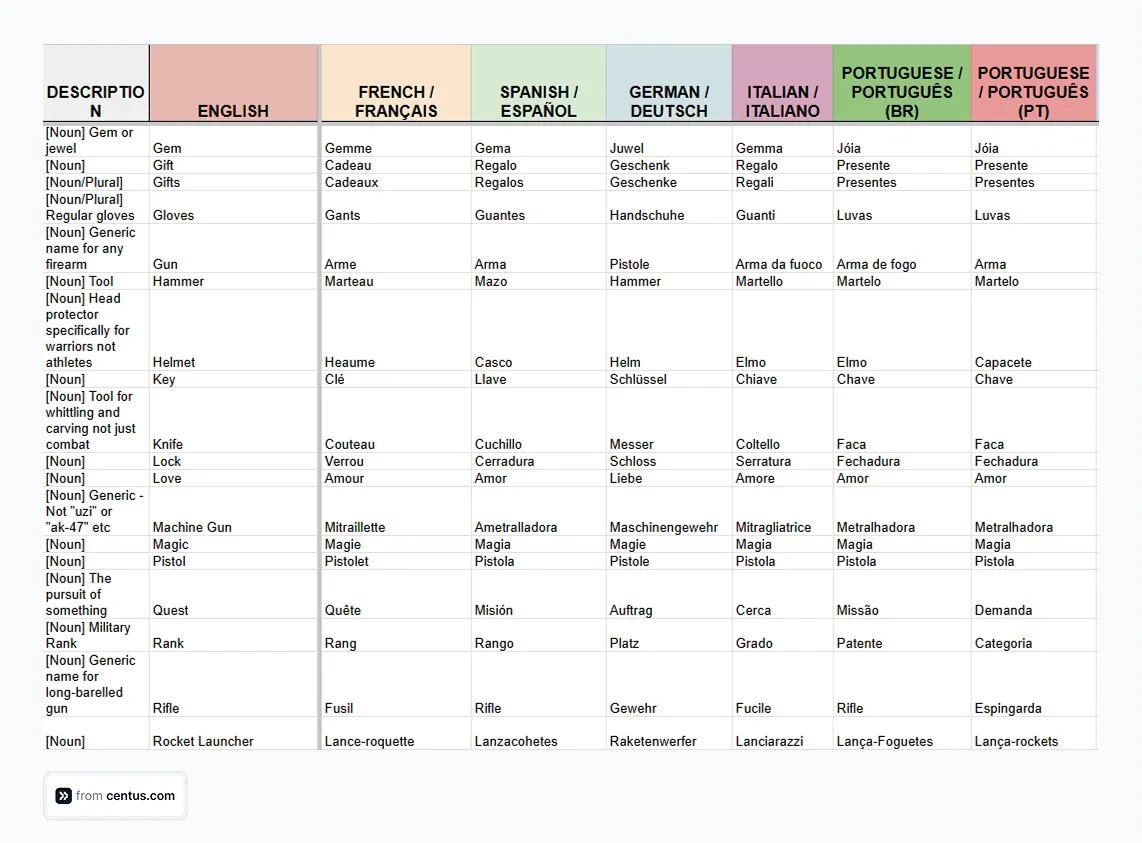

Excel exports allow translators to:
-
Filter inconsistent terms
-
Validate PT-BR vs PT-PT usage
-
Detect forbidden or deprecated terminology
-
Share glossaries with clients
This approach is much faster than reviewing segments one by one in a CAT tool.
7. Common Grammar Pitfalls in Portuguese Technical Texts
Key issues:
-
Gender agreement in compound nouns
-
Excessive use of gerunds (PT-BR)
-
Incorrect capitalization of UI elements
-
Over-translation of English noun stacks
English:
“System error log configuration file”
Portuguese (bad):
“Arquivo de configuração de registro de erro de sistema”
Portuguese (better):
“Arquivo de configuração do registo de erros do sistema”
➡️ Technical Portuguese must be readable first, literal second.
8. QA Strategies for English ↔ Portuguese Projects
Best practices:
-
Convert SDL files to Word/Excel for review
-
Validate terminology outside the CAT tool
-
Check tag integrity after re-import
-
Confirm locale (PT-BR vs PT-PT)
-
Run linguistic QA and technical QA
Linigu’s converter fits naturally into this workflow by giving translators visibility and control.
Conclusion
Technical translation between English and Portuguese is not a simple language exercise. It is a multidisciplinary process involving linguistics, engineering logic, formatting discipline, and tool mastery.
By:
-
Understanding structural differences
-
Controlling terminology
-
Avoiding false friends
-
Managing SDL Trados files efficiently
-
Using tools like Linigu SDL Studio Converter
translators can reduce errors, save time, and deliver higher-quality technical translations.
If you regularly work with SDL Trados files and need a fast way to view, analyze, or share them as Word or Excel, the tools on linigu.cloud are built exactly for that purpose.
Comments ()
No comments yet. Be the first to comment!