
Quality Assurance (QA) is one of the most critical stages in any professional translation workflow. In SDL Trados Studio, QA checks are designed to catch linguistic, technical, and formatting issues before delivery. However, many translators either underuse these checks or rely on them blindly without understanding their limitations.
In this article, we will explore:
-
What QA checks in SDL Trados actually do
-
The most important QA categories
-
Common problems QA does not detect
-
How converting SDL Trados files to Word or Excel can dramatically improve QA
-
How the Linigu SDL Studio Converter supports faster, clearer QA workflows
This guide is intended for freelance translators, reviewers, and LSPs who want better quality without wasting time.
1. What Are QA Checks in SDL Trados?
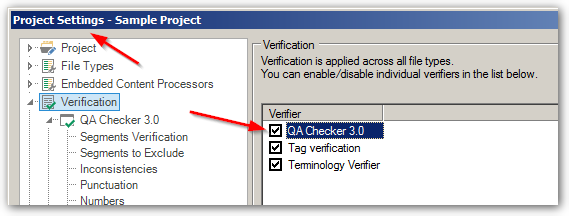
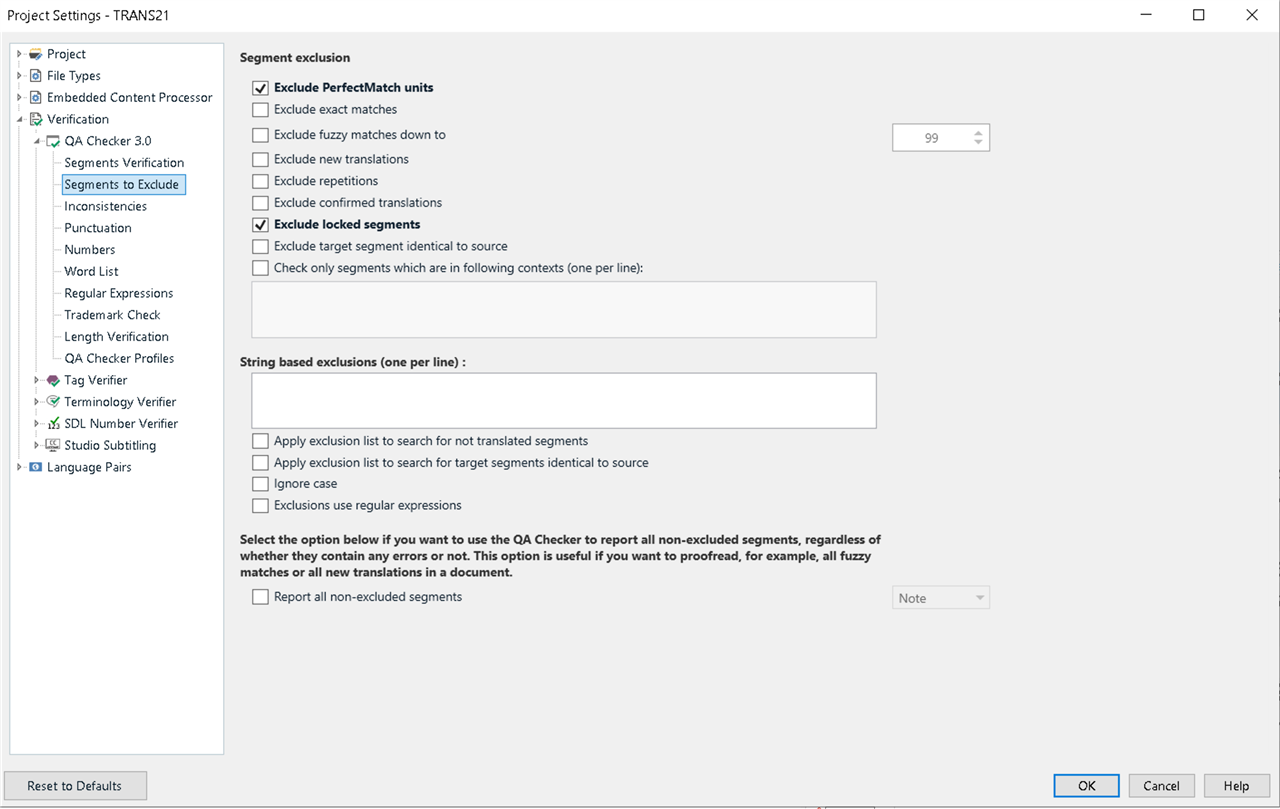
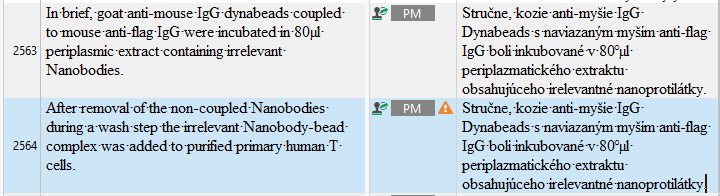
QA checks in SDL Trados are automated verification rules that analyze bilingual content after (or during) translation. They do not judge style or creativity — instead, they focus on measurable consistency and technical correctness.
QA checks typically detect:
-
Missing numbers
-
Inconsistent terminology
-
Tag mismatches
-
Spelling errors
-
Punctuation differences
These checks are accessed via Verify → Verification Settings or run automatically during batch tasks.
2. Core QA Categories in SDL Trados
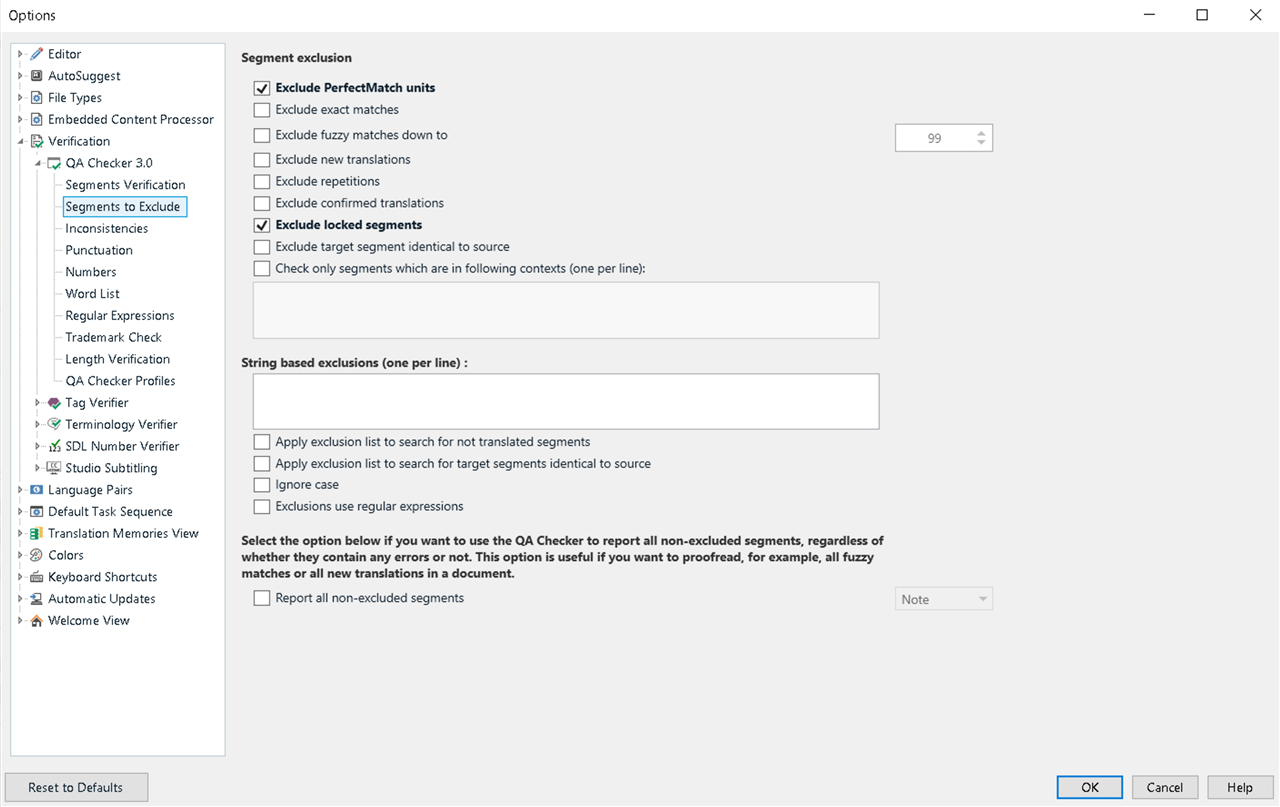
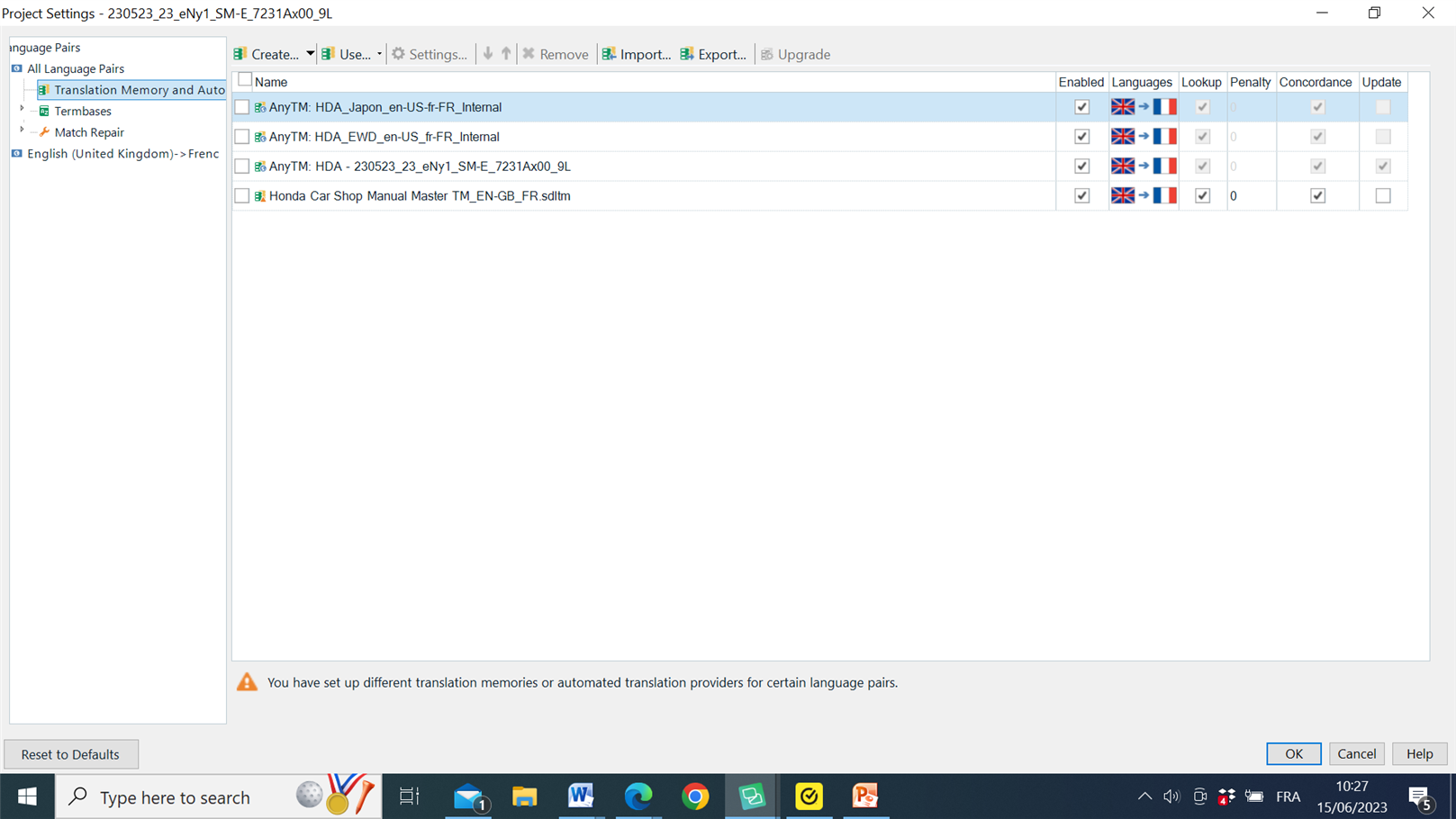
SDL Trados QA checks are divided into several main categories:
🔹 2.1 Terminology Verification
-
Checks against active termbases
-
Detects forbidden or deprecated terms
-
Flags inconsistent usage
Limitation:
QA only checks what is in the termbase. If the termbase is incomplete or outdated, errors will pass unnoticed.
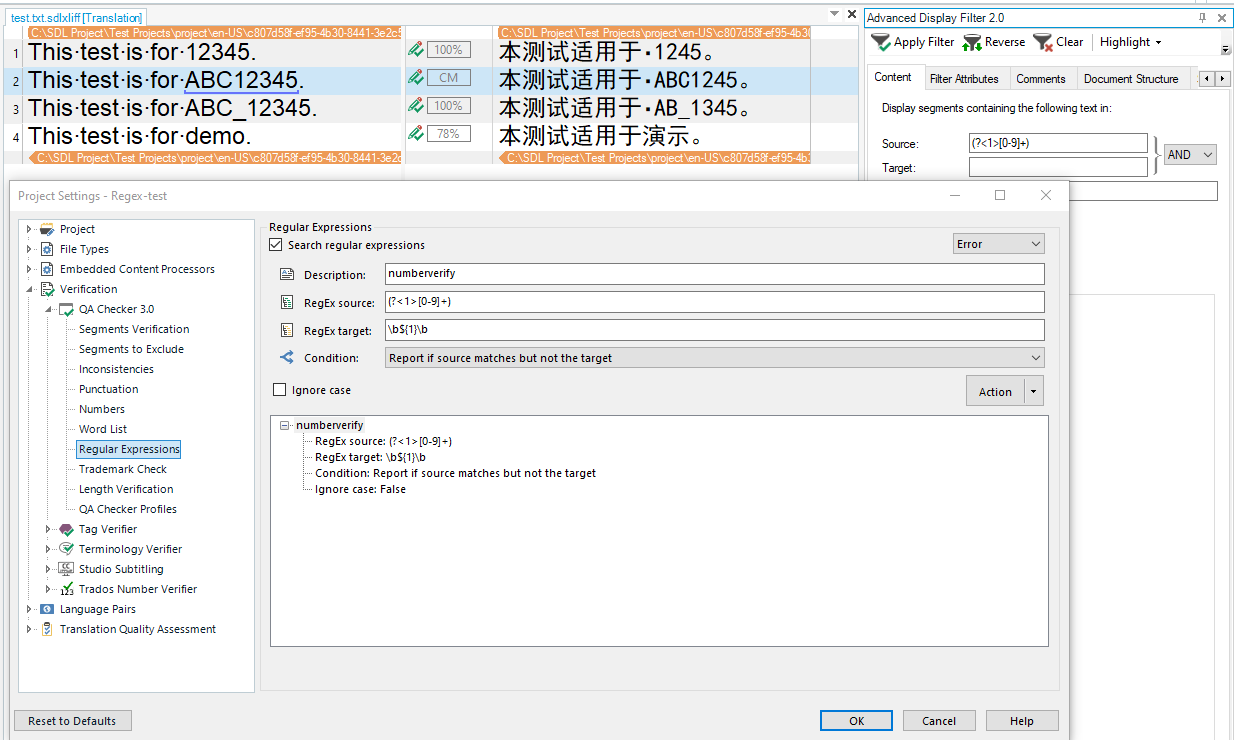
🔹 2.2 Number and Measurement Checks
-
Missing numbers
-
Changed values
-
Formatting differences
This is essential for technical, legal, and medical translations.
🔹 2.3 Tag Verification
-
Missing tags
-
Tag order mismatches
-
Extra or deleted tags
Tag errors are one of the most common causes of delivery failures.
🔹 2.4 Punctuation and Whitespace
-
Extra spaces
-
Missing punctuation
-
Inconsistent quotation marks
Often underestimated, but important for UI strings and software localization.
🔹 2.5 Spelling and Grammar
-
Dictionary-based spell checking
-
Basic grammar rules
Useful, but not a replacement for human revision.
3. What QA Checks in SDL Trados Do NOT Catch
Despite their power, QA checks in SDL Trados have clear limitations.
They do not reliably detect:
-
Wrong terminology that is not in the termbase
-
Style inconsistencies
-
Register problems
-
Awkward sentence structure
-
Contextual mistranslations
This is why professional QA cannot rely on Trados alone.
4. Why Human-Readable QA Is Still Necessary
Many QA problems become obvious only when you see the text outside the CAT tool.
Examples:
-
Repeated mistranslations
-
Terminology drift across large projects
-
Inconsistent capitalization
-
Style breaks across files
Reviewing everything segment by segment inside SDL Trados is slow and mentally exhausting.
This is where Word and Excel views become essential.
5. Why Convert SDL Trados Files to Word or Excel for QA?
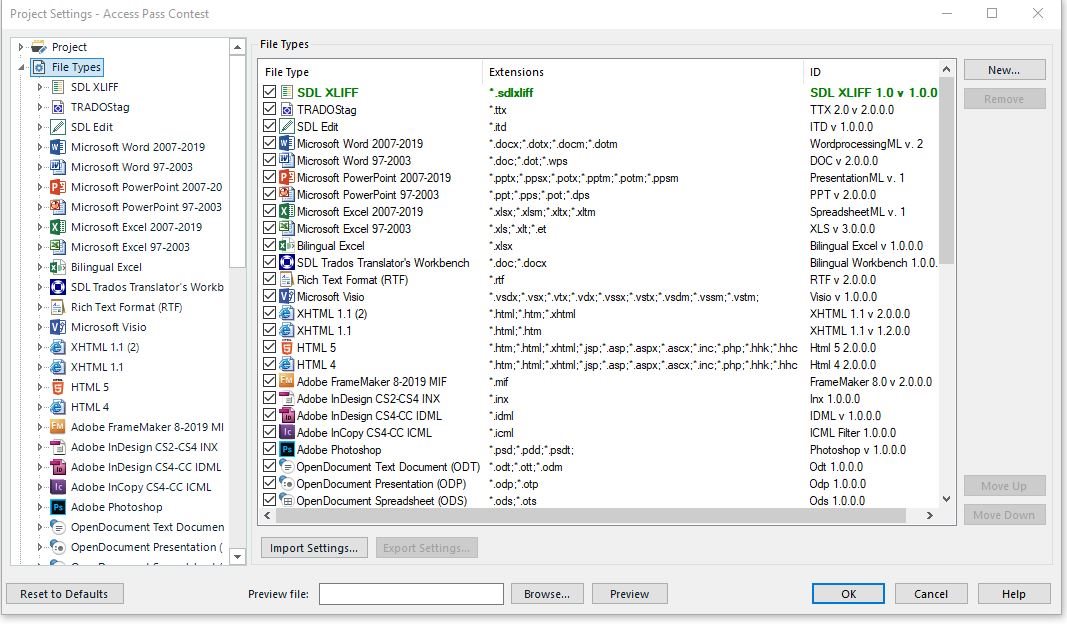
By converting SDL Trados files (SDLXLIFF, SDLTM, SDLTB) into Word or Excel, translators can:
-
See the full text flow
-
Filter and sort terminology
-
Detect repeated errors instantly
-
Share files with reviewers or clients
-
Perform advanced QA checks outside Trados
Excel, in particular, allows:
-
Filtering forbidden terms
-
Checking consistency across thousands of segments
-
Comparing source and target side by side
6. How the Linigu SDL Studio Converter Improves QA Workflows
The SDL Studio Converter on linigu.cloud was built specifically to support translators during QA and review.
With a free registration, you can:
-
Convert SDL Trados files in seconds
-
Open them instantly as Word or Excel
-
Analyze Translation Memories and Termbases
-
Identify terminology and consistency issues early
Instead of fighting with file formats, translators can focus on quality.
7. QA Workflow Example (Best Practice)
A professional QA workflow might look like this:
-
Translate in SDL Trados
-
Run built-in QA checks
-
Fix all technical errors
-
Convert files using Linigu SDL Studio Converter
-
Review in Word or Excel
-
Perform terminology and style checks
-
Final delivery
This hybrid approach combines:
-
Automation speed
-
Human judgment
-
Full transparency
8. QA for Clients and Project Managers
Clients and PMs often:
-
Do not use SDL Trados
-
Want Excel or Word reports
-
Need clear visibility into terminology
Converted files allow:
-
Easier communication
-
Fewer misunderstandings
-
Faster approvals
9. Common QA Mistakes Translators Make
-
Relying only on automated QA
-
Ignoring warnings without analysis
-
Not checking termbases externally
-
Skipping final review outside Trados
QA is not a button — it is a process.
Conclusion
QA checks in SDL Trados are powerful, but they are not enough on their own.
Professional-quality translation requires:
-
Automated verification
-
Human review
-
Terminology transparency
-
Readable file formats
By combining SDL Trados QA tools with Word and Excel-based review, translators gain full control over quality.
The Linigu SDL Studio Converter bridges the gap between CAT tools and human-readable formats, making QA faster, clearer, and more reliable — all with a free registration.
For translators who take quality seriously, this is no longer optional. It is part of a modern translation workflow.
Comments ()
No comments yet. Be the first to comment!