What Is an SDLTB File?

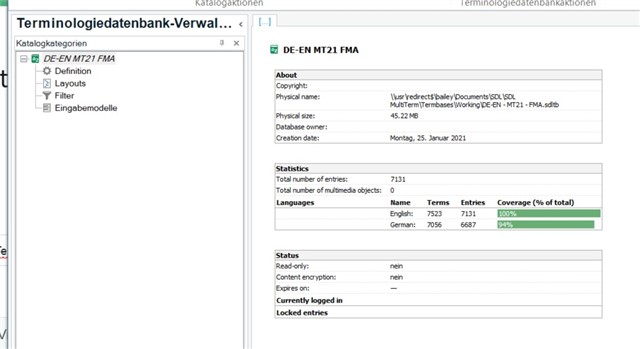
An SDLTB file (often referred to as an SDL Trados Terminology Database) is a proprietary file format used by SDL Trados Studio to store terminology data. These files are essential for professional translators, localization specialists, and language service providers who rely on consistent and accurate terminology across multilingual projects.
Unlike standard dictionary files, SDLTB files contain structured term entries, including:
-
Source and target language terms
-
Term status (approved, forbidden, pending)
-
Descriptions and definitions
-
Metadata fields (subject, domain, client-specific info)
SDLTB files are tightly integrated with SDL MultiTerm, which is the terminology management component of SDL Trados Studio. Because of their proprietary structure, SDLTB files cannot be opened directly with common software such as Microsoft Excel or Word.
What Is the Difference Between SDLTB and Other Termbase Formats?
It’s important to distinguish SDLTB files from other terminology or linguistic formats:
-
SDLTB – Native SDL Trados terminology database
-
TBX – Open XML-based terminology exchange format
-
CSV / Excel – Flat, non-relational term lists
-
TMX – Translation memory, not terminology
The key difference is that SDLTB files store relational and metadata-rich terminology, whereas Excel or CSV files only store plain text rows. This is why SDLTB files are more powerful — and also harder to access outside SDL tools.
How to Open an SDLTB File
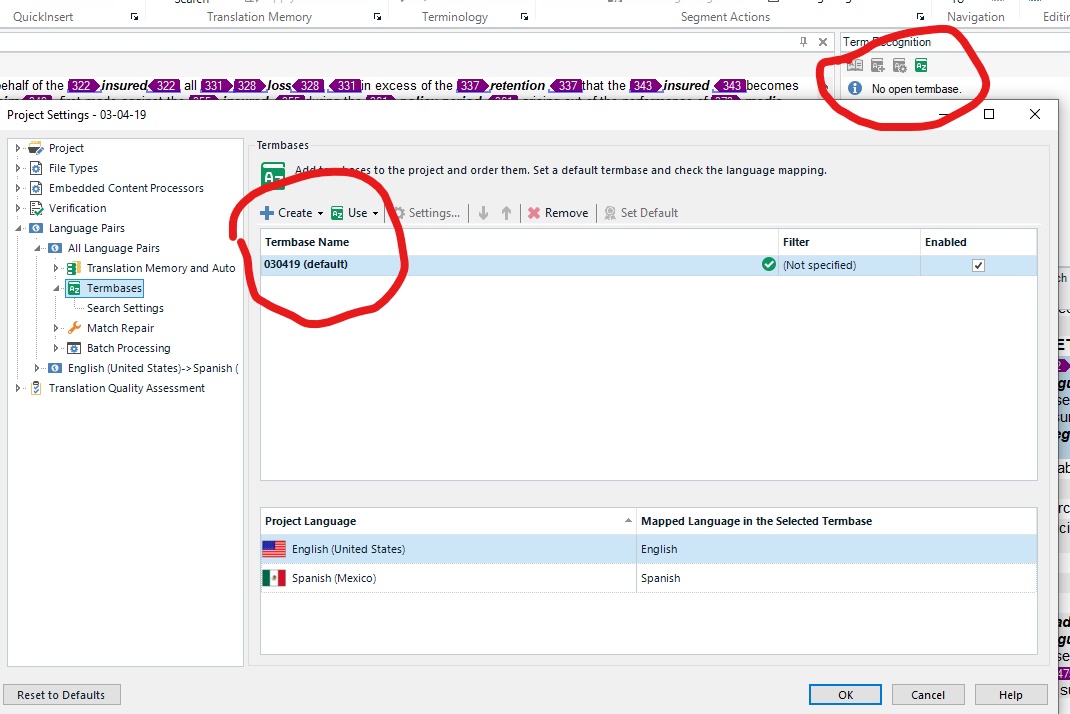

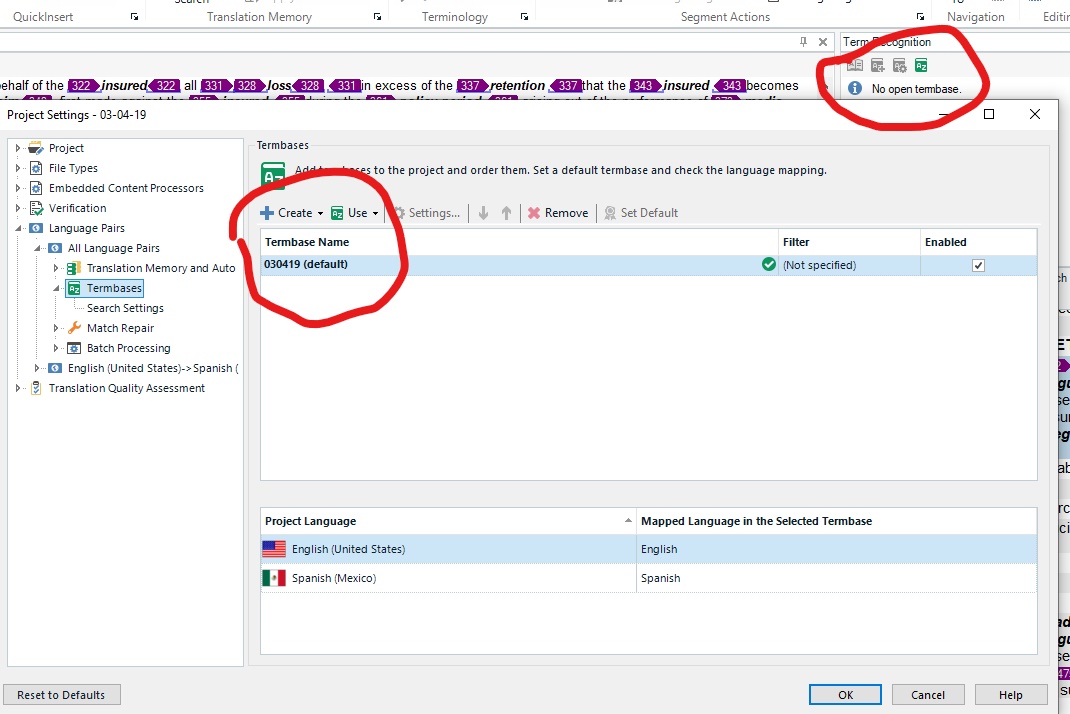
Method 1: Using SDL Trados Studio (Official Way)
The most reliable way to open an SDLTB file is through SDL Trados Studio with MultiTerm installed.
Steps:
-
Open SDL Trados Studio
-
Go to Terminology → Termbase Management
-
Select Open Termbase
-
Browse and select the
.sdltbfile
This method allows full access to all term entries, metadata, and term statuses. However, it requires:
-
A valid SDL Trados license
-
SDL MultiTerm installed
-
Technical familiarity with SDL tools
Method 2: When You Don’t Have SDL Trados
Many users receive SDLTB files from clients but do not own SDL Trados Studio. In such cases, opening the file directly is not possible — but conversion is.
This is where external tools and services become essential.
How to Convert SDLTB Files to Excel, DOCX, or XML
If you need to edit, review, share, or analyze terminology outside SDL Trados, conversion is the best solution.
At linigu.com, we support professional conversion of SDLTB files into:
-
Excel (XLSX) – ideal for editing and filtering
-
DOCX (Word) – perfect for review and proofreading
-
XML – suitable for system integration and automation
Why Convert SDLTB Files?
Common use cases include:
-
Reviewing terminology without SDL Trados
-
Sharing term lists with clients or subject-matter experts
-
Migrating terminology to another CAT tool
-
Cleaning or restructuring term data
-
Building custom terminology pipelines
Converted files preserve:
-
Source and target terms
-
Term status (approved, forbidden, pending)
-
Language pairs
-
Structured relationships between entries
Common Problems with SDLTB Files (And How Conversion Helps)
SDLTB files are powerful, but they also come with challenges:
❌ Problem 1: Vendor Lock-in
SDLTB files only work properly inside SDL tools.
❌ Problem 2: No Direct Editing
You cannot open or edit them in Excel or Word.
❌ Problem 3: Data Extraction Issues
Advanced fields (forbidden terms, statuses) are difficult to extract.
✅ Solution: Professional Conversion
By converting SDLTB files at linigu.com, you gain:
-
Full visibility of your terminology
-
Editable and shareable formats
-
Clean separation of approved vs forbidden terms
-
Long-term portability of your linguistic assets
SDLTB vs TBX: Should You Convert?


TBX (TermBase eXchange) is an open standard designed for interoperability. While SDLTB is excellent inside SDL Trados, TBX or Excel formats are often better for:
-
Multi-tool environments
-
Long-term archiving
-
Vendor-neutral workflows
Many companies convert SDLTB → Excel/XML first, then migrate to TBX or other systems as needed.
Final Thoughts
SDLTB files are a core asset in professional translation workflows — but their proprietary nature limits accessibility. Understanding what SDLTB files are, how to open them, and how to convert them gives you full control over your terminology data.
If you need to work with SDLTB files without SDL Trados, or if you want to extract terminology into Excel, DOCX, or XML, linigu.com provides a fast and reliable solution tailored for translators, LSPs, and localization teams.
Your terminology should work for you — not lock you into a single tool.
Comments ()
No comments yet. Be the first to comment!