What Is an SDLTM File?
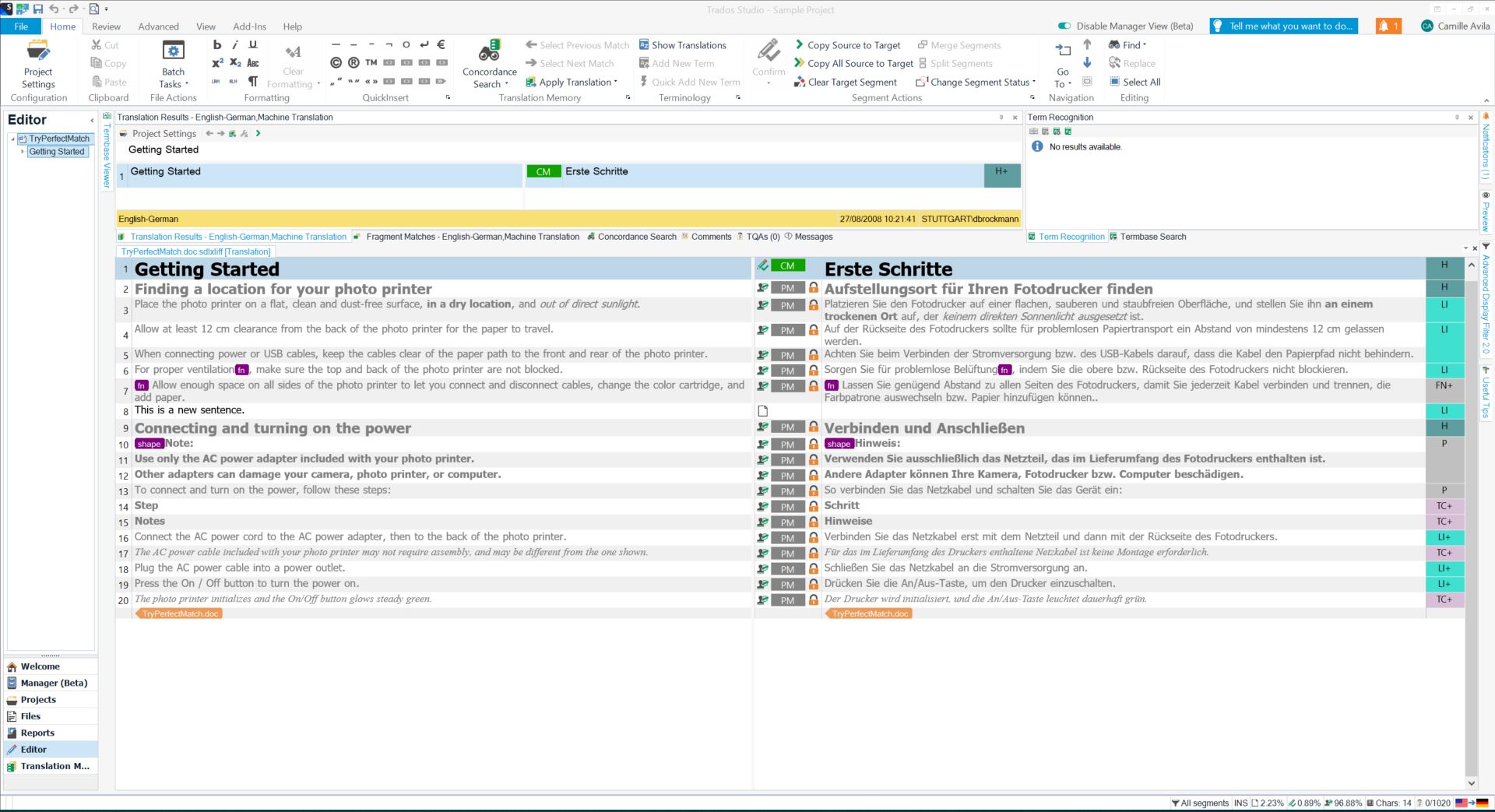

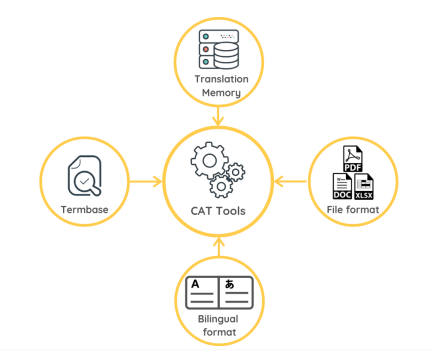
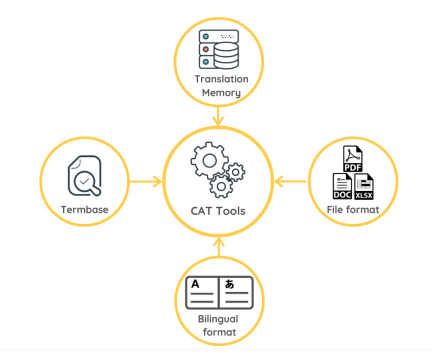
An SDLTM file is a Translation Memory (TM) file format used by SDL Trados Studio, one of the most widely used Computer-Assisted Translation (CAT) tools in the professional translation industry.
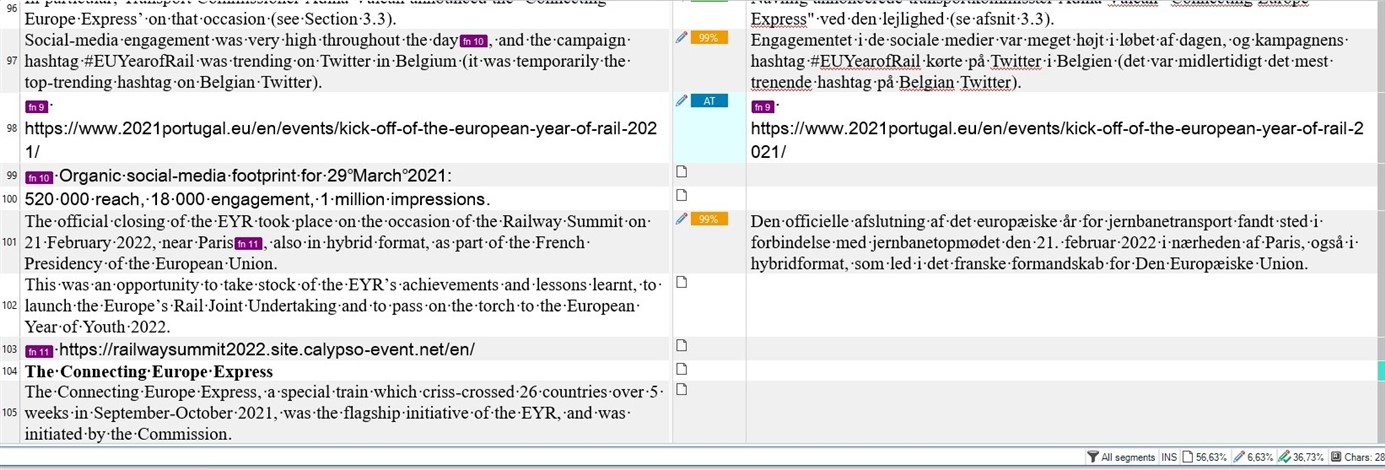
Translation Memories store previously translated sentence pairs—called segments—so that they can be reused in future projects. Each segment consists of a source language sentence and its corresponding target language translation.
The .sdltm extension represents a file-based translation memory that contains:
-
Source and target language pairs
-
Metadata such as creation date, author, and field information
-
Context and usage information
-
Fuzzy match data used during translation
Unlike simple bilingual documents, SDLTM files are structured databases, optimized for fast lookup and matching rather than human readability.
Why Are SDLTM Files Important for Translators?
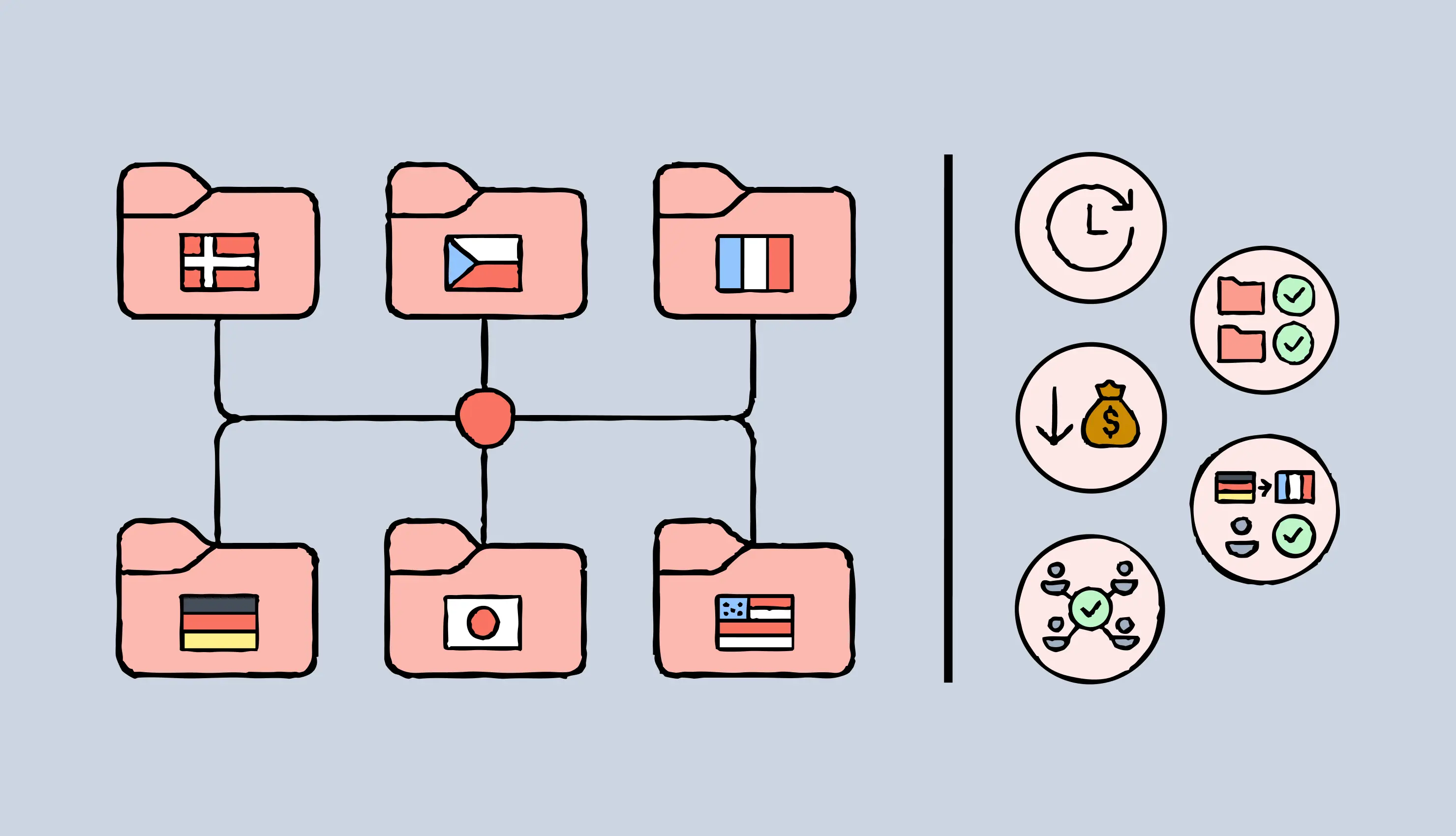

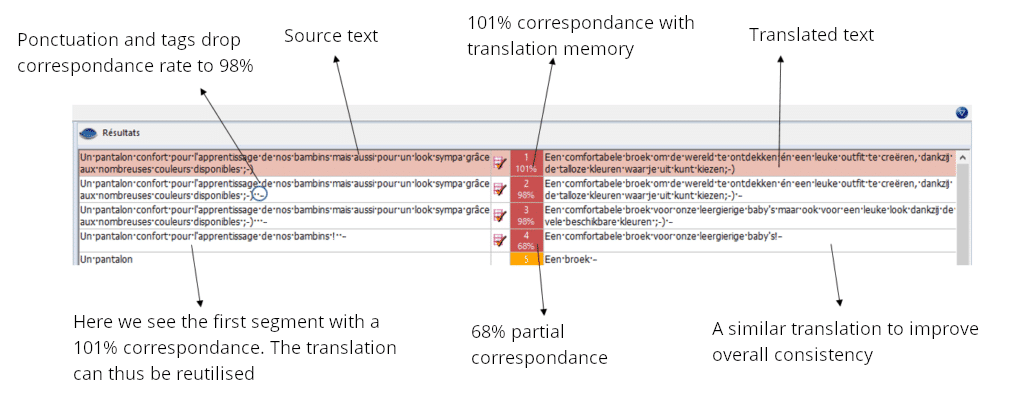
SDLTM files are essential because they:
-
Increase translation speed by reusing existing translations
-
Improve consistency across large projects
-
Reduce costs for clients and translators
-
Ensure terminology alignment across teams
For agencies working with long-term clients or recurring content (manuals, legal texts, software UI), SDLTM files are often more valuable than the translated documents themselves.
How Does an SDLTM File Work in SDL Trados Studio?
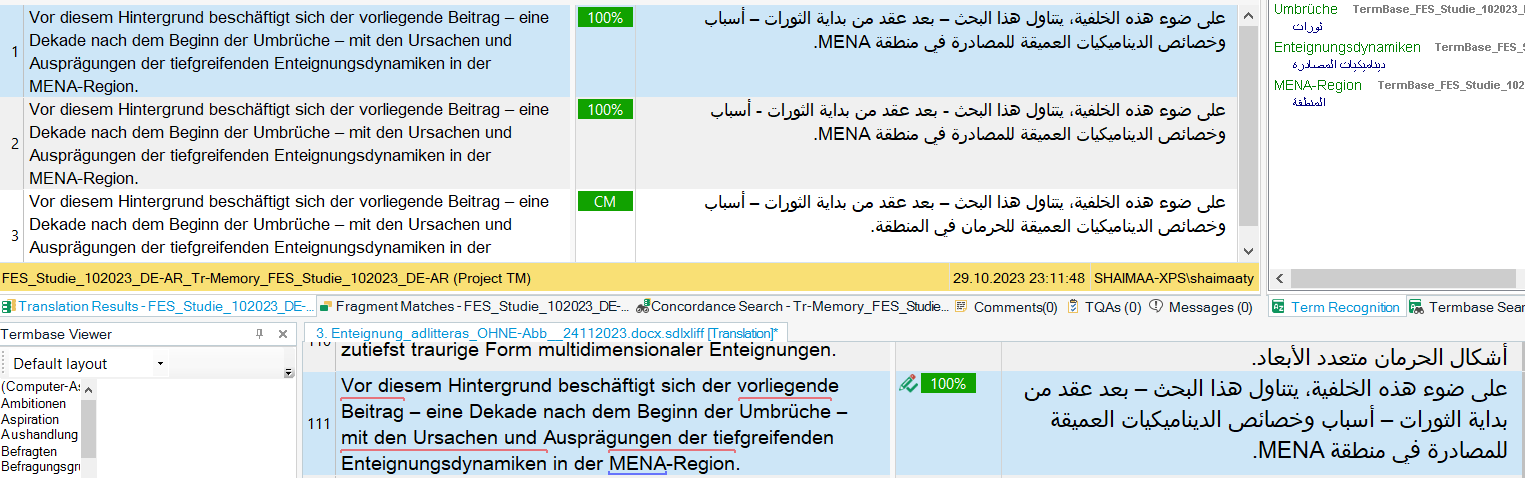

When you translate a document in SDL Trados Studio:
-
Each sentence is segmented automatically
-
Trados searches the SDLTM file for matches
-
Matches are returned as:
-
100% matches
-
Context matches
-
Fuzzy matches (e.g., 75–99%)
-
The translator can then accept, edit, or reject the suggested translation. Approved translations are written back into the SDLTM file, continuously enriching the memory.
Can You Open an SDLTM File Directly?
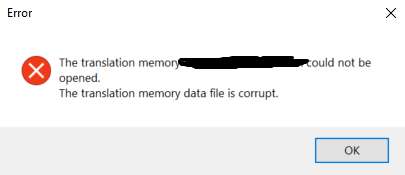

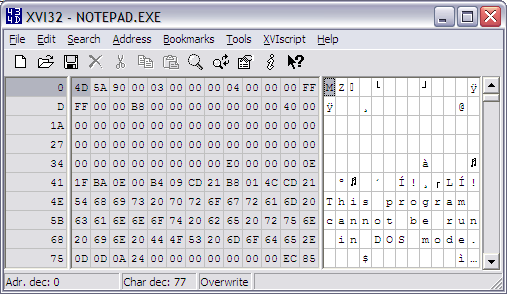
Short answer: No — not like a DOCX or TXT file.
SDLTM files:
-
Are binary databases
-
Cannot be opened with Word, Excel, or text editors
-
Require SDL Trados Studio or specialized tools
If you try to open an SDLTM file directly, your operating system will not recognize the format or will display unreadable binary content.
How to Open an SDLTM File Using SDL Trados Studio

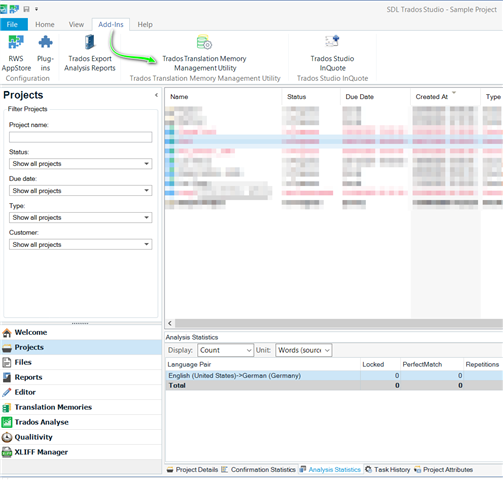
To properly open and use an SDLTM file:
-
Install SDL Trados Studio
-
Open Trados and go to Translation Memories
-
Choose Open File-Based Translation Memory
-
Select the
.sdltmfile -
Browse or use it within a translation project
While this method works well, it has limitations:
-
Requires a Trados license
-
Data is not easily exportable
-
Hard to analyze or share with non-Trados users
This is where conversion becomes extremely valuable.
Why Convert SDLTM Files?


Many professionals need access to translation memory data outside of Trados, for example:
-
Terminology analysis
-
Linguistic quality assurance (LQA)
-
AI or MT training datasets
-
Migration to other CAT tools
-
Client deliverables
Converting SDLTM files allows you to:
-
View translations in Excel
-
Edit data in DOCX
-
Process structured data in XML
Converting SDLTM Files with linigu.com
On linigu.com, we support SDLTM file conversion into multiple practical formats, making translation memory data accessible and reusable.
Supported Output Formats:
-
DOCX – for human-readable editing and review
-
Excel (XLSX) – ideal for filtering, sorting, and QA
-
XML – perfect for system integration and data processing
This is especially useful if:
-
You no longer use SDL Trados
-
You want to migrate data to another CAT tool
-
You need transparent access to TM content
Instead of locking your linguistic assets inside proprietary software, linigu.com helps you liberate your translation memory.
SDLTM vs TMX: What’s the Difference?

| Feature | SDLTM | TMX |
|---|---|---|
| Proprietary | Yes | No |
| Human-readable | No | Yes (XML) |
| Trados-specific | Yes | No |
| Cross-CAT compatible | No | Yes |
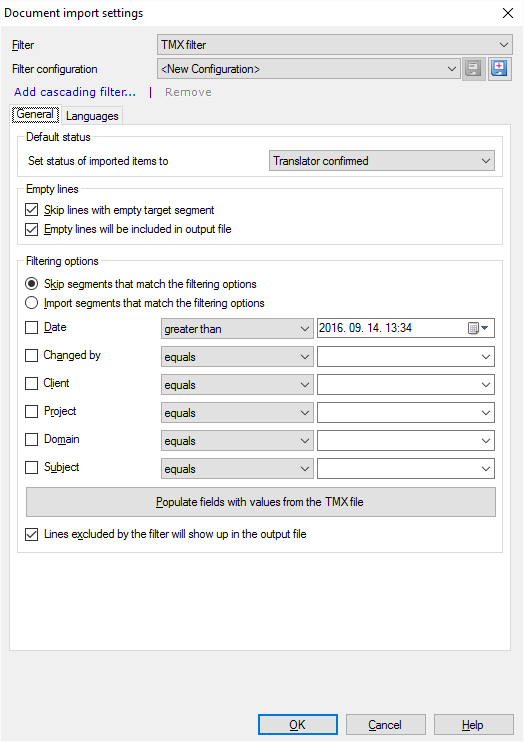
TMX (Translation Memory eXchange) is an open standard, while SDLTM is proprietary. Many translators convert SDLTM to TMX or XML to ensure long-term usability.
Common Problems with SDLTM Files
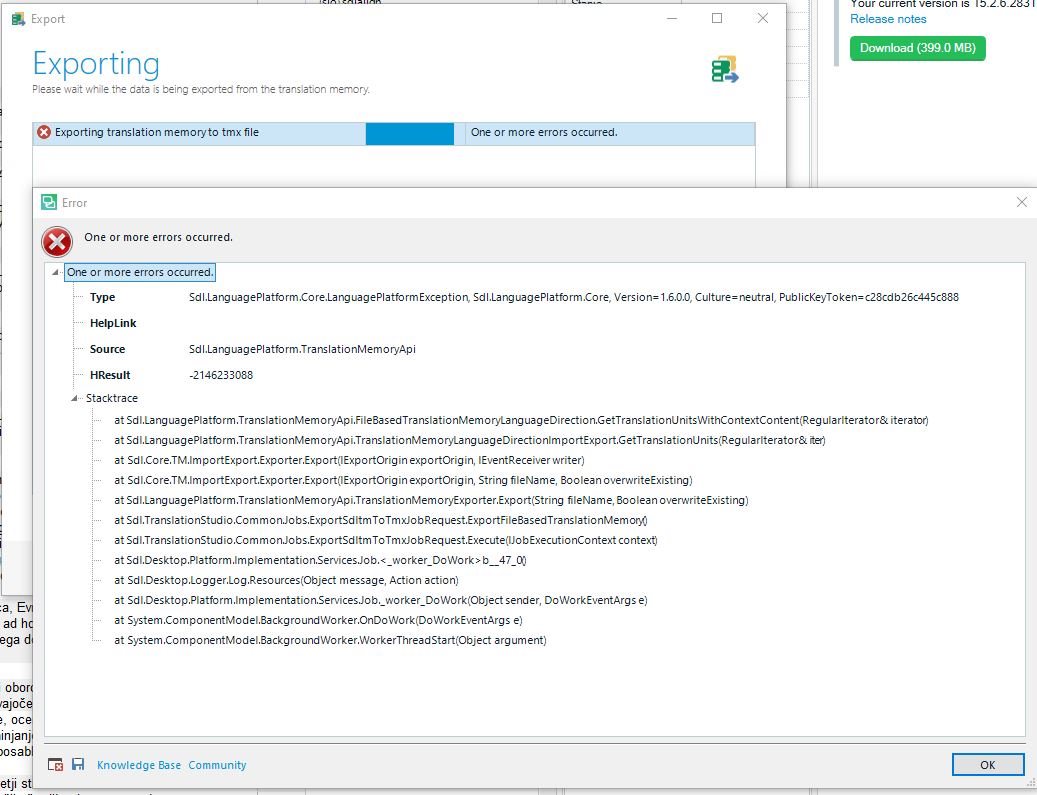
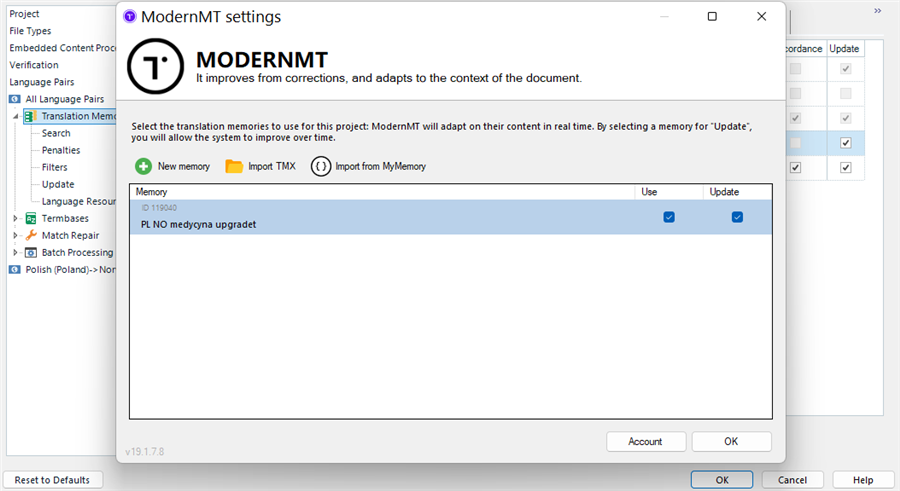
Some frequent issues include:
-
File corruption
-
Version incompatibility
-
Missing language pairs
-
Inaccessible data without Trados
In such cases, converting the SDLTM file to Excel or XML via linigu.com can help recover and inspect the data safely.
Best Practices When Working with SDLTM Files
✔ Always keep backups
✔ Export regularly to neutral formats
✔ Avoid relying on a single CAT tool
✔ Treat translation memories as long-term assets
Remember: Your translation memory is intellectual property.
Final Thoughts
SDLTM files are powerful but restrictive. They are designed for speed and efficiency within SDL Trados Studio, yet their closed structure limits accessibility.
If you want flexibility, transparency, and long-term control over your translation data, converting SDLTM files into DOCX, Excel, or XML is the smart move.
👉 linigu.com bridges the gap between proprietary CAT tools and open, usable linguistic data.
Comments ()
No comments yet. Be the first to comment!